5
1. INTRODUCTION
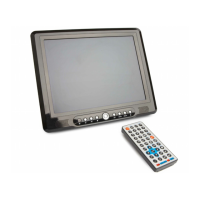
Thank you for buying the Meos 12.1” Portable TV/DVD Player.
The 12.1” Portable TV/DVD Player supports both digital DVB-T (Freeview) and
analog TV formats. It is a DVD and CD Player, a digital photo viewer, it can play
and rip CDs, offers AV input and output, reads USB devices and SD memory
cards.
How to Use this Manual
This section shows you where you can find the information you need to use your
Meos 12.1” Portable TV/DVD Player:
Function Task Page
Playing a DVD Controlling playback
Setting parental controls
Changing settings
13
14
30
Playing a Music CD Controlling playback 13
Watching Digital TV
(Freeview)
Connecting the antenna
Tuning the player to digital channels
Setting parental controls
Changing setting
8
37
30
Watching
Analog TV
Connecting the antenna
Tuning the player to analog channels
8
15
Playing Games Playing the games on the CD
Playing the onboard games
25
26
Using the player as a
PC Monitor
Connecting the player to your PC
Setting up the player’s display
11
29
Using the player to
view photos
Where to fit an SD or MMC memory card.
Playing a photo slideshow
6
27
Viewing media on a
camera, camcorder,
or other digital device
How to connect an AV device 10


 To Next Page