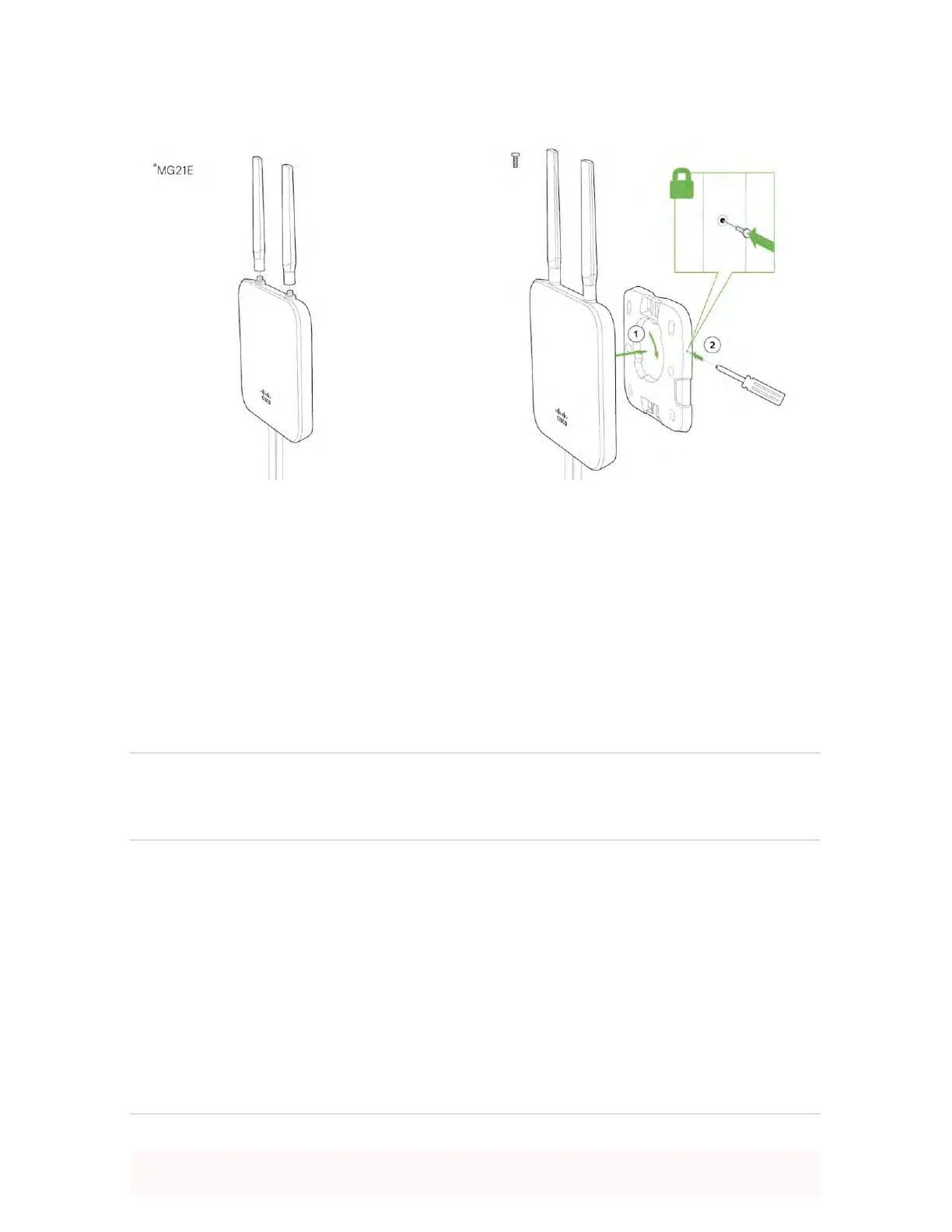
Outdoor Installation
Hardware
The installation for outdoor deployments of the MG21 and MG21E is the same procedure and uses the
same mounting hardware as the indoor deployment.
Power
Powering the MG21 and MG21E in an outdoor deployment will require the use of the POE injector.
IP67 Rating
This device is IP67 rated.
Connecting to the WAN
All Meraki MG devices must have an IP address. This section describes how to configure your local area
network before you deploy it. A local management web service, running on the appliance, is accessed
through a browser running on a client PC. This web service is used for configuring and monitoring basic
ISP/WAN connectivity.
Setting up a static IP address
To ensure that the client PC is redirected to the local web service in the following step, you must disable all
other network services (e.g., Wi-Fi) on your client machine.


 To Next Page