Ports and Status Indicators
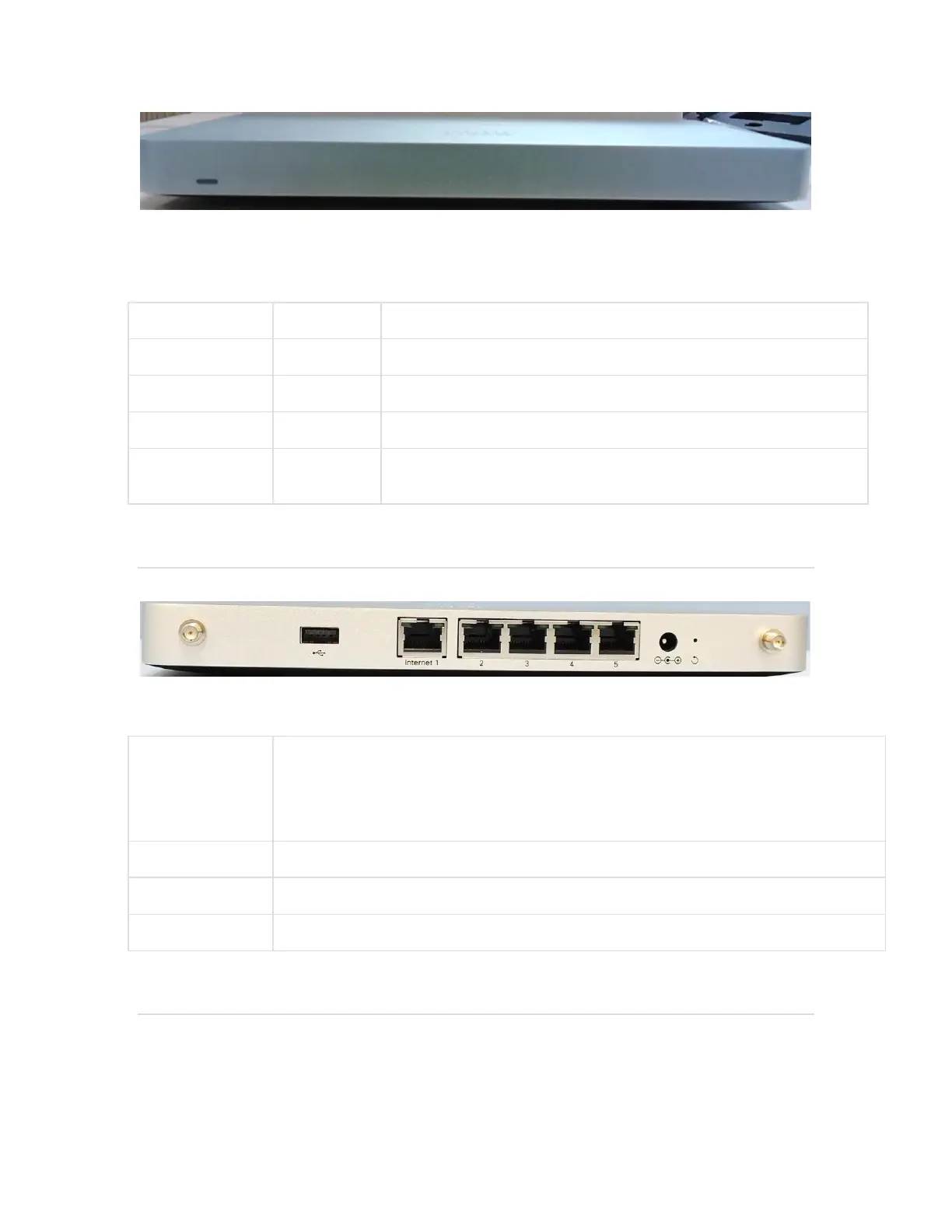
The MX67W uses a single LED to inform the user of the device's status.
Device in process of connecting to the Meraki Dashboard
During boot or no WAN link
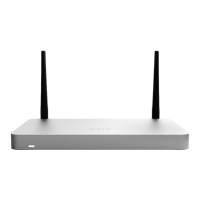
The MX67W back panel
Additional functions on the back panel are described below, from left to right.
Ten (Ports 3 through 12) provide connectivity to computers, printers, access points, or
Ethernet switches. Two of these ten (Ports 11 and 12) also provide PoE+ (802.3at) support.
Two LEDs -- one for activity, another for connectivity. A steady green LED indicates
bidirectional connectivity while a flashing green LED indicates traffic.
Two ports provide connectivity to the WAN.
Designed for use only with the unit’s power supply.
Two RP-SMA ports for dipole antennas (two antennas included)
The MX67W side panel


 To Next Page