29
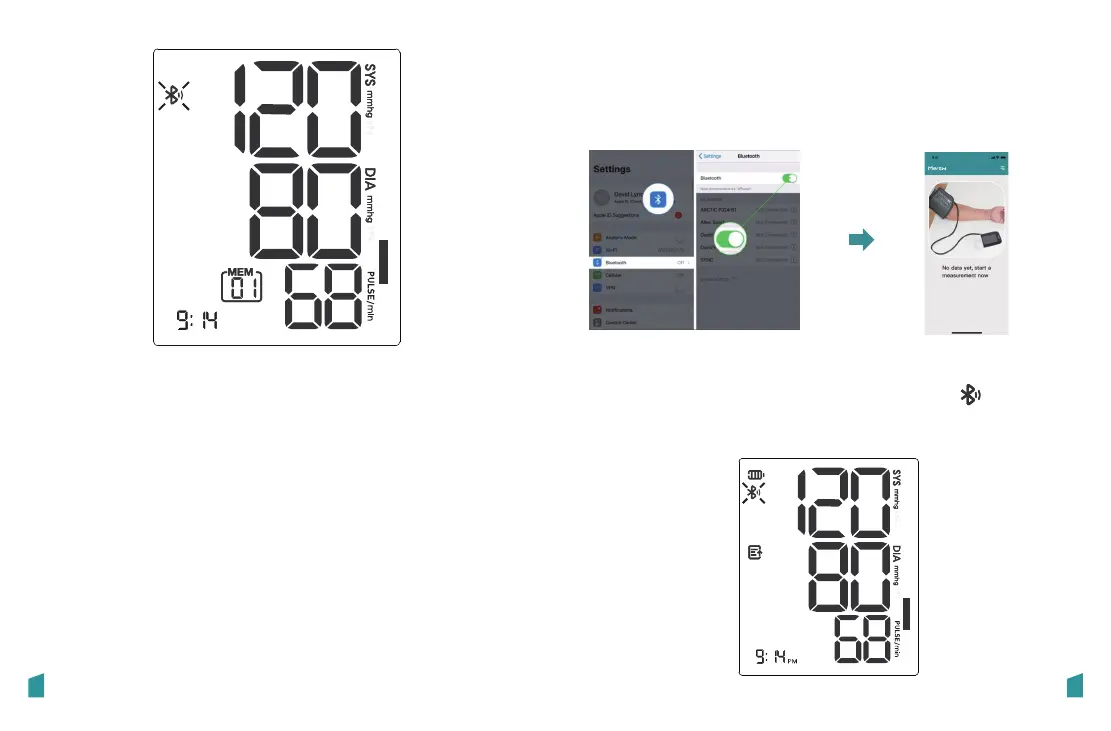
2. Press “Record” or “Bluetooth” button to get
the record you want.
Each press “Record” butooth will increase the
memory record by one in a cycling manner
(AVG-01-02...).
Each press “Bluetooth” butooth will increase
the memory record by one in a cycling manner
(AVG-...-02-01).
28
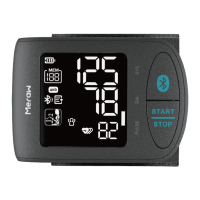
Sync the records
2. Each time you complete a measurement, data
will be synced to App automatically, will blink
during uploading and turn solid on after
uploading successful.
1.Turn on Bluetooth and open App on your
smartphone before you sync the records.


 To Next Page