11
4. Speed control:
The fan speed is controlled by pressing any of the buttons (1-2-3). To turn it off,
press the “0” button
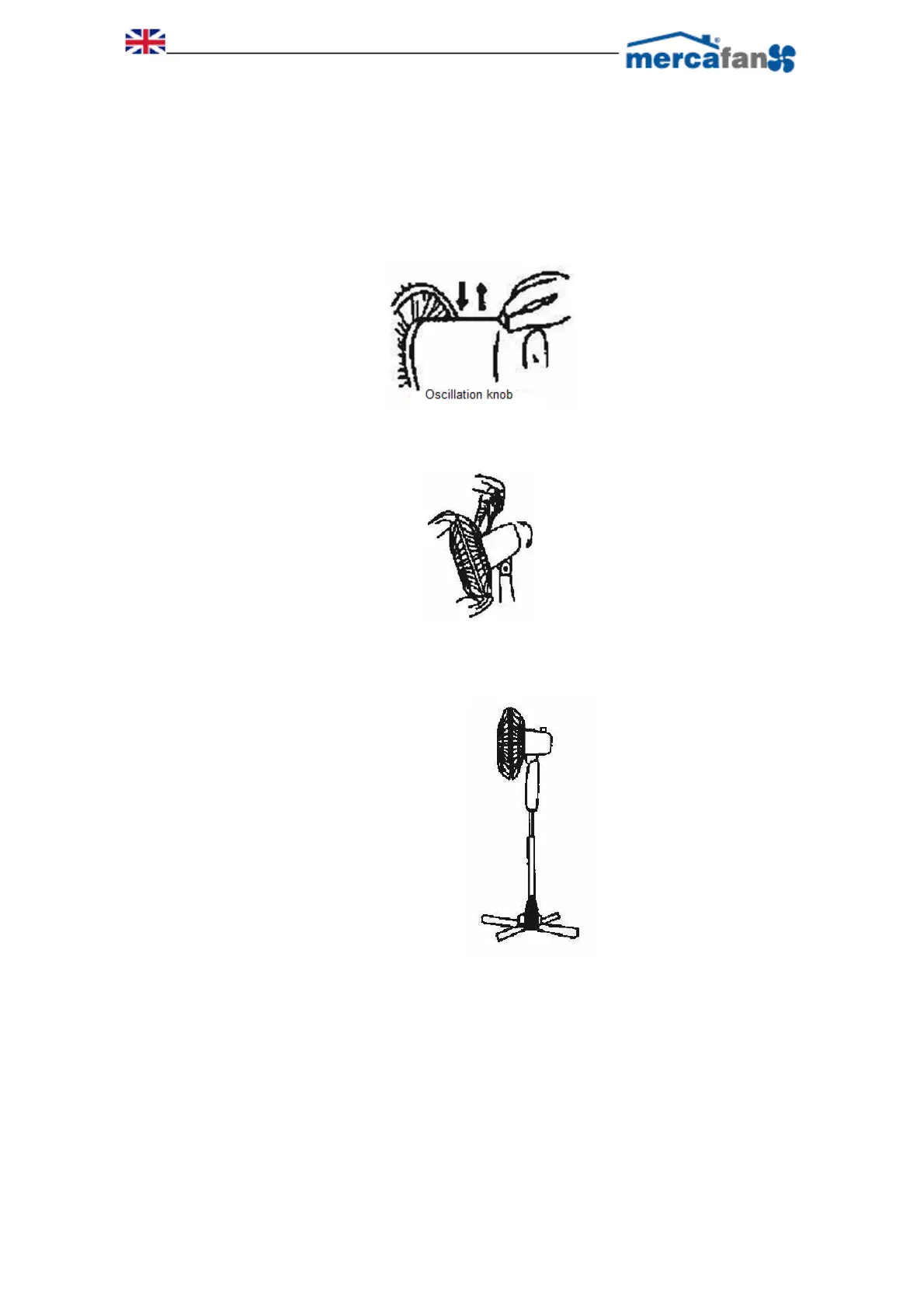
5. Oscillation:
Press the switch so that the fan begins to oscillate. Press it again to stop oscillating.
6. Adjust air orientation:
First turn off the fan, then simply adjust the orientation of the movement, moving the
louvers up or down
7. Regular height:
Loosen the wing nut located on the tube, to adjust it to the desired height, then
tighten the wing nut again.


 To Next Page