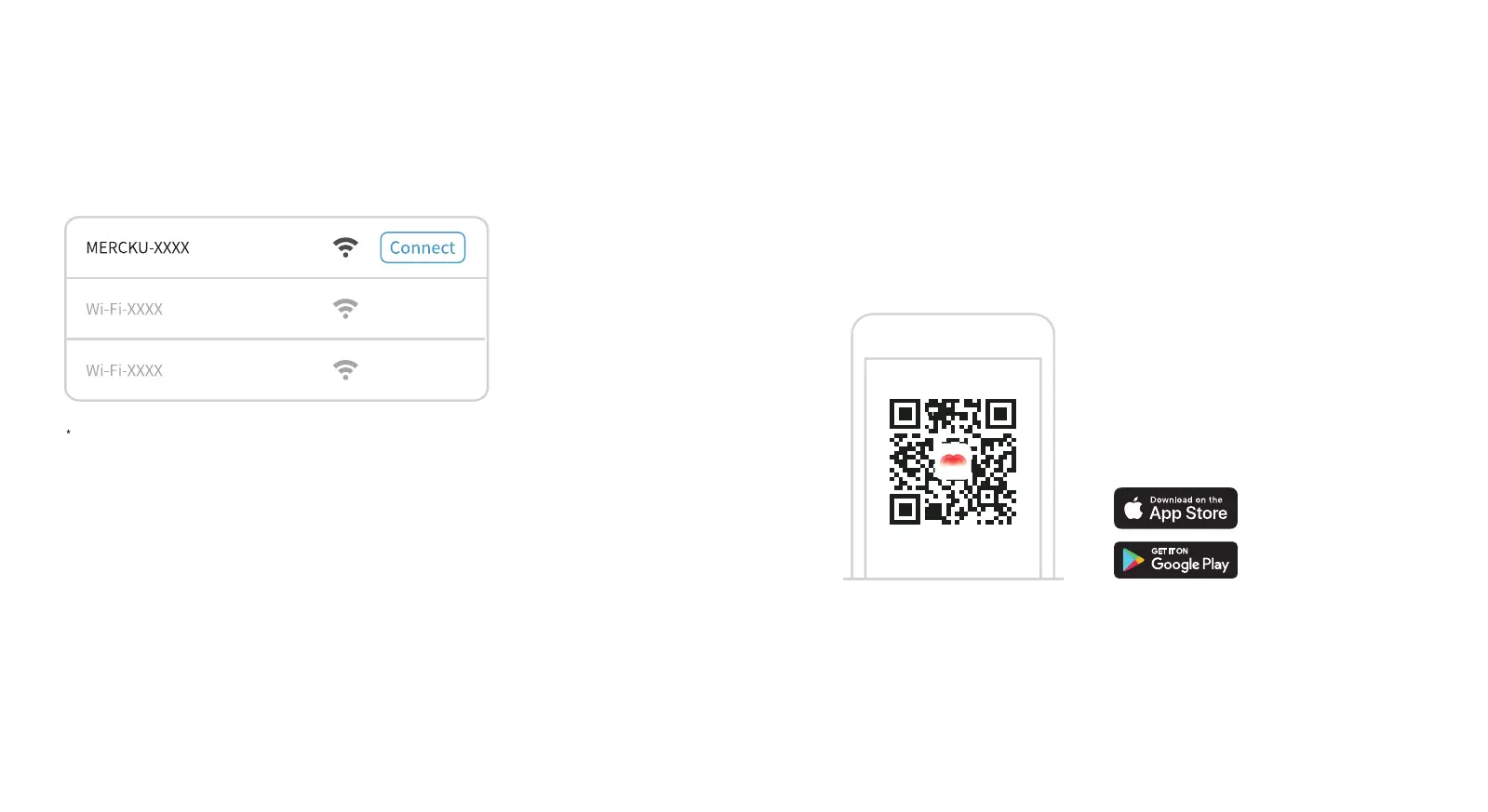
2.Connect to Wi-Fi
Use your mobile device or computer to search for and connect to the
MERCKU-XXXX Wi-Fi network(no password required).
MERCKU-XXXX - to find this, please locate on the bottom label.
3.Open browser or app
Visit
mywifi.mercku.tech
through a browser to complete setup.
Or scan the QR code to download the app to complete the setup and manage
the network.
For more M6 set-up installations please visit www.mercku.com/help


 To Next Page