POWER WINDOWS
WARNING: Do not leave children unattended in the vehicle and
do not let children play with the power windows. They may
seriously injure themselves.
WARNING: When closing the power windows, you should verify
they are free of obstructions and ensure that children and/or
pets are not in the proximity of the window openings.
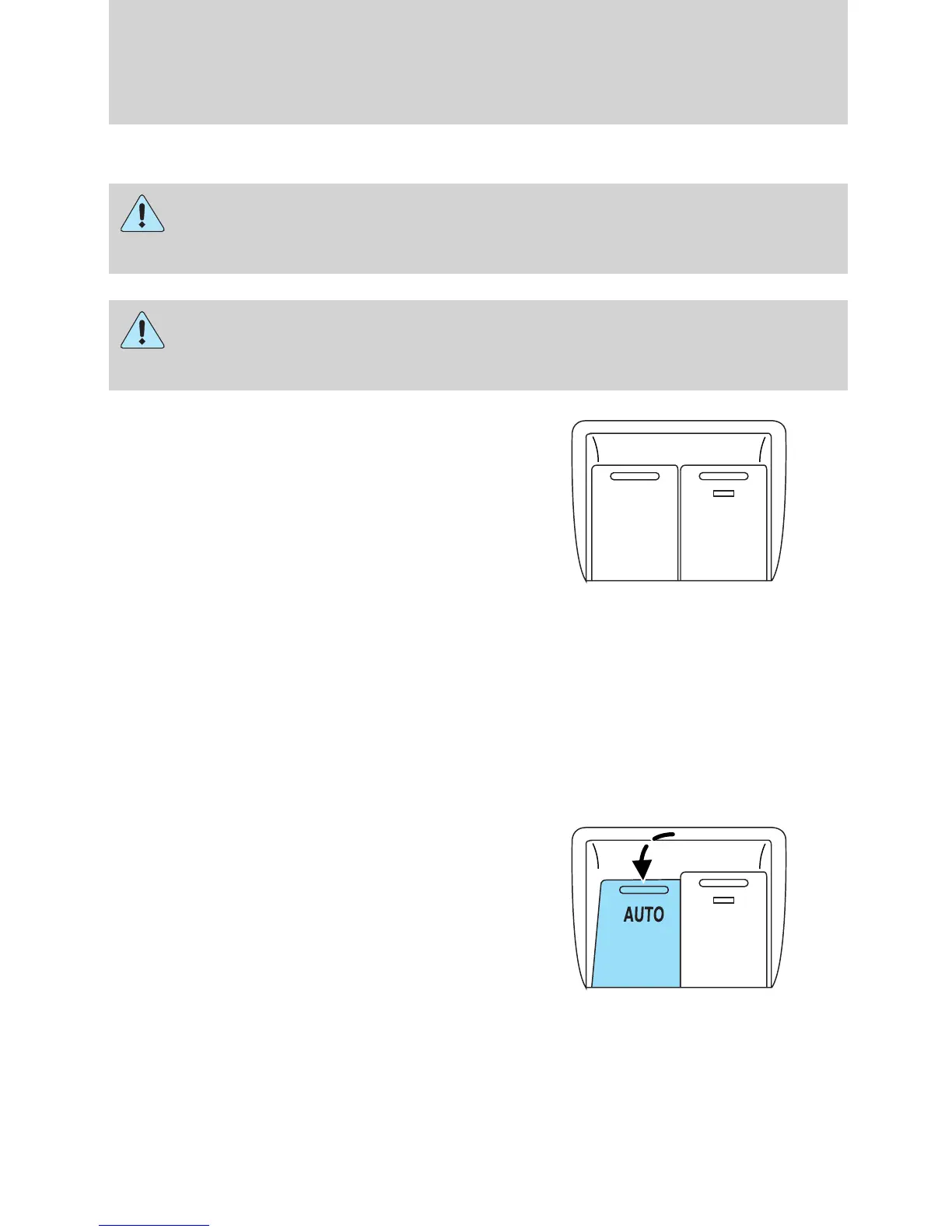
Press and pull the window switches
to open and close windows.
• Press down (to the first detent)
and hold the switch to open.
• Pull up (to the first detent) and
hold the switch to close.
Rear Window Buffeting: When one or both of the rear windows are
open, the vehicle may demonstrate a wind throb or buffeting noise. This
noise can be alleviated by lowering a front window approximately
2–3 inches (5–8 cm).
One-touch up or down (driver’s window only)
This feature allows the driver’s window to open or close fully without
holding the control down.
To operate one-touch down:
• Press the switch completely down
to the second detent and release
quickly. The window will open
fully. Momentarily press the
switch to any position to stop the
window operation.
If the switch is pressed and held to
the normal close or one-touch up position during a one-touch down
event, the window will stop. If, after 1/2 second the switch is still held,
the window will perform a normal close or one-touch up.
A
U
T
O
Driver Controls
76
2010 Milan (mln)
Owners Guide, 3rd Printing
USA (fus)


 To Next Page
 Loading...