Increasing speed while using speed control
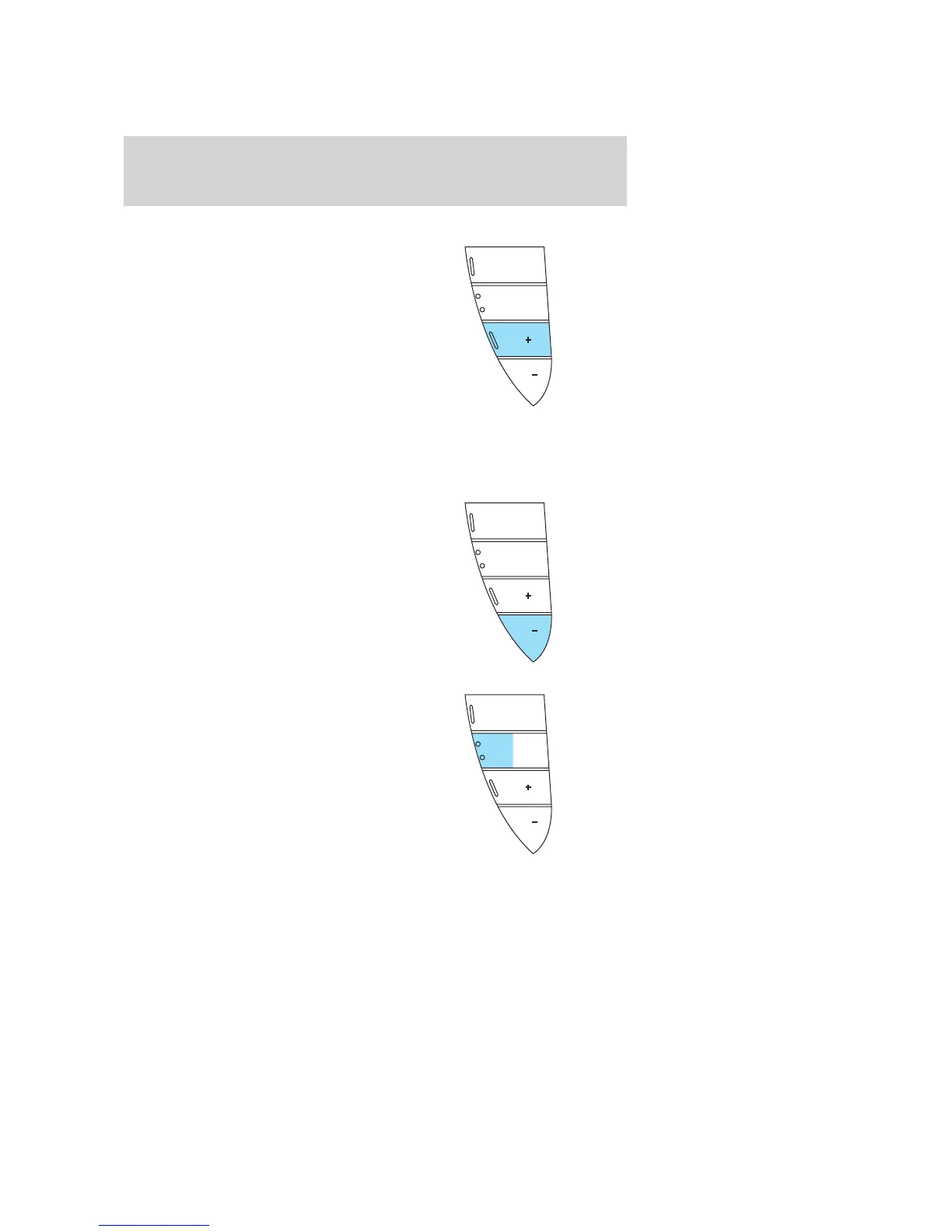
There are two ways to set a higher
speed:
• Press and hold the SET + control
until you get to the desired
speed, then release the control.
You can also use the SET +
control to operate the Tap-Up
function. Press and release this
control to increase the vehicle set
speed in small amounts by 1 mph
(1.6 km/h).
• Use the accelerator pedal to get to the desired speed. When the
vehicle reaches that speed press and release the SET + control.
Reducing speed while using speed control
There are two ways to reduce a set
speed:
• Press and hold the SET - control
until you get to the desired
speed, then release the control.
You can also use the SET -
control to operate the Tap-Down
function. Press and release this
control to decrease the vehicle
set speed in small amounts by 1
mph (1.6 km/h).
• Depress the brake pedal or press
CNCL (Cancel) until the desired
vehicle speed is reached, press
the SET + control.
SET
SET
RSMCNCL
ON
OFF
SET
SET
RSMCNCL
ON
OFF
SET
SET
RSMCNCL
ON
OFF
2005 Montego (mgo)
Owners Guide (post-2002-fmt)
USA_English (fus)
Driver Controls
50


 To Next Page
 Loading...