Customising the digital surround processor
32
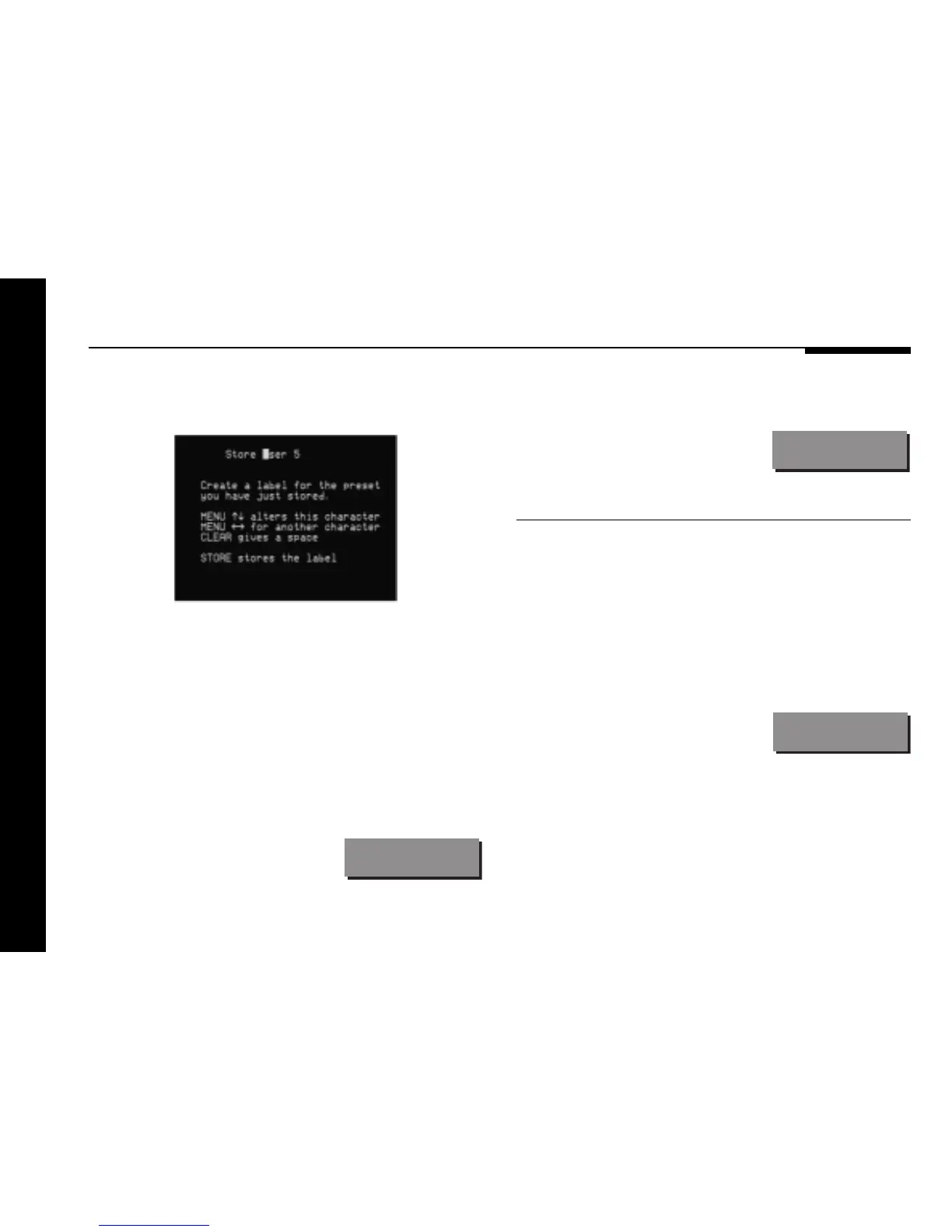
If you have an on-screen display it shows:
● Press > or < to select the character position you want to edit.
● Press A or V to change the character.
Each press steps through the sequence A to Z, a to z, 0 to 9, full
stop, and blank.
You can also select a blank directly by pressing Clear on the
remote, or Function Clear if you are using a Meridian DSP
Loudspeaker.
For example, you could change the
name to:
La Scala
● When you have entered the name you want to use press
Store.
The display shows:
Stored
To clear a user-defined preset
● Make sure the menus are unlocked; see To unlock the menus,
page 22.
● Press > or < until the DSP preset associated with the current
source is displayed.
● Press A or V to select the preset you want to clear.
● Press and hold down Clear (remote) for several seconds.
The display shows:
Preset Clear


 To Next Page