Contents
iii
Introduction 1
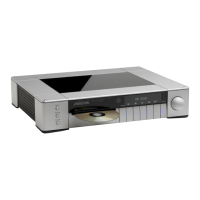
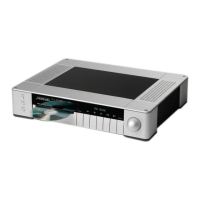
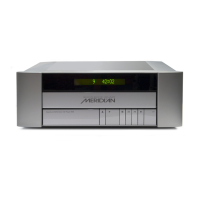
The 800 Reference DVD/CD Player 2
Overview 4
Typical specification 6
Using the 800 Reference
DVD/CD Player 9
Front panel keys 10
Meridian System Remote keys 11
Switching on and off 12
Playing a disc 13
Playing DVD-Audio discs 14
Locating a specific title, chapter, or track 16
Stopping, pausing, and resuming play 18
Changing the front-panel display 19
Displaying disc information on screen 20
Advanced features 21
Selecting options from a menu 22
Fast and slow-motion play 23
Playing repeatedly 24
Selecting an audio soundtrack 25
Displaying subtitles 26
Selecting the camera angle 27
Setting the parental lock 28
Using the DVD/CD player
preamplifier features 31
Selecting a source 32
Adjusting the system volume 33
Changing the balance or phase 34


 To Next Page