21
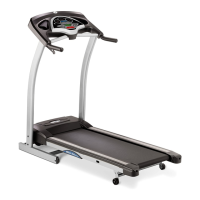
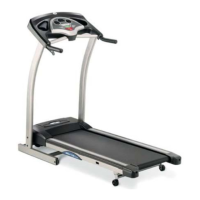
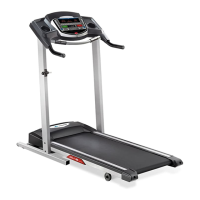
725T PLUS CONSOLE OPERATION
Note: There is a thin protective sheet of clear plastic on the overlay of the console that should be removed before use.
A) MONITOR DISPLAY: Speed, Time, Heart Rate, Distance, Incline, and Calories.
B) STOP: Press to end your workout. Hold for 3 seconds to reset the treadmill.
C) START: Simply press to begin exercising or starts/pauses your program.
D) ENTER / CHANGE DISPLAY: Used to confirm selection and scroll between workout information.
E) QUICK ADJUST INCLINE / SPEED KEYS: Used to reach desired incline and/or speed more quickly. Select after
pressing PRESS TO SET INCLINE or PRESS TO SET SPEED KEY.
F) PRESS TO SET INCLINE KEY: Used to confirm chosen incline. Press before selecting INCLINE.
G) INCLINE ARROW KEYS: Used to adjust incline in small increments (0.5% increments).
H) PRESS TO SET SPEED KEY: Used to confirm speed change. Press before selecting SPEED.
I) SPEED ARROW KEYS: Used to adjust speed in small increments (0.1 mph increments).
J) QUICK PROGRAM KEYS: Press key to select program.
K) QUICK TIME KEYS: Press key to select time.
L) SAFETY KEY POSITION: Enables treadmill when safety key is engaged.
M) WATER BOTTLE / CD / MP3 HOLDERS: Holds personal workout equipment.
725T
PLUS


 To Next Page