SPECIFICATIONS
Contact Rating ................ 5 Amps 28 Vac or dc Max.
Power ....................9-30V AC or 9-34V DC, 50mA
RF Frequency: ............................... 433MHz
NOTE: If your operator does not meet the power specifications
you will need a low voltage power supply.
For indoor installation only.
COMPATIBLE ACCESSORIES
Remote Controls .......... Models E945M, E940M, E943M,
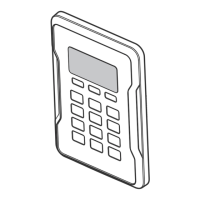
Keypads. . . . . . . . . . . . . . . . . . . . . . . . . . . . . . . Models E840M
Antenna Extension Kits ....................Models 86LM,
Antenna Only ...............................K77-36541
FORTECHNICALSUPPORTDIALOURTOLLFREENUMBER:
1800638234
PROGRAMMING
PROGRAM A SINGLE BUTTON REMOTE CONTROL
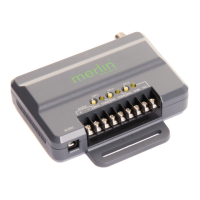
1 Press and release the Learn button for the selected channel on
the receiver. The corresponding LED will glow steadily for 30
seconds.
2 Within 30 seconds press and hold the button on the remote
control that you wish to program to the receiver.
3 Release the remote control button when the LED on the
receiver blinks, then turns off. Programming is complete.
Repeat the steps above for each remote control you would like to
program.
PROGRAM A 3-BUTTON REMOTE CONTROL AS OPEN,
CLOSE, AND STOP
1 Press and release the CH1 Learn button on the receiver.
2 Within 30 seconds press the desired OPEN button on the
remote control.
3 Press and release the CH2 Learn button on the receiver.
4 Within 30 seconds press the desired CLOSE button on the
remote control.
5 Press and release the CH3 Learn button on the receiver.
6 Within 30 seconds press the desired STOP button on the
remote control.
NOTE: If a remote control button is not pressed within 30
seconds, the LED next to the selected Learn button will turn OFF.
In that case, repeat the programming.
TO ERASE THE MEMORY
1 Press and hold the Learn button for the channel you want to
erase. Release the button when the corresponding LED turns
off; the memory has been erased.
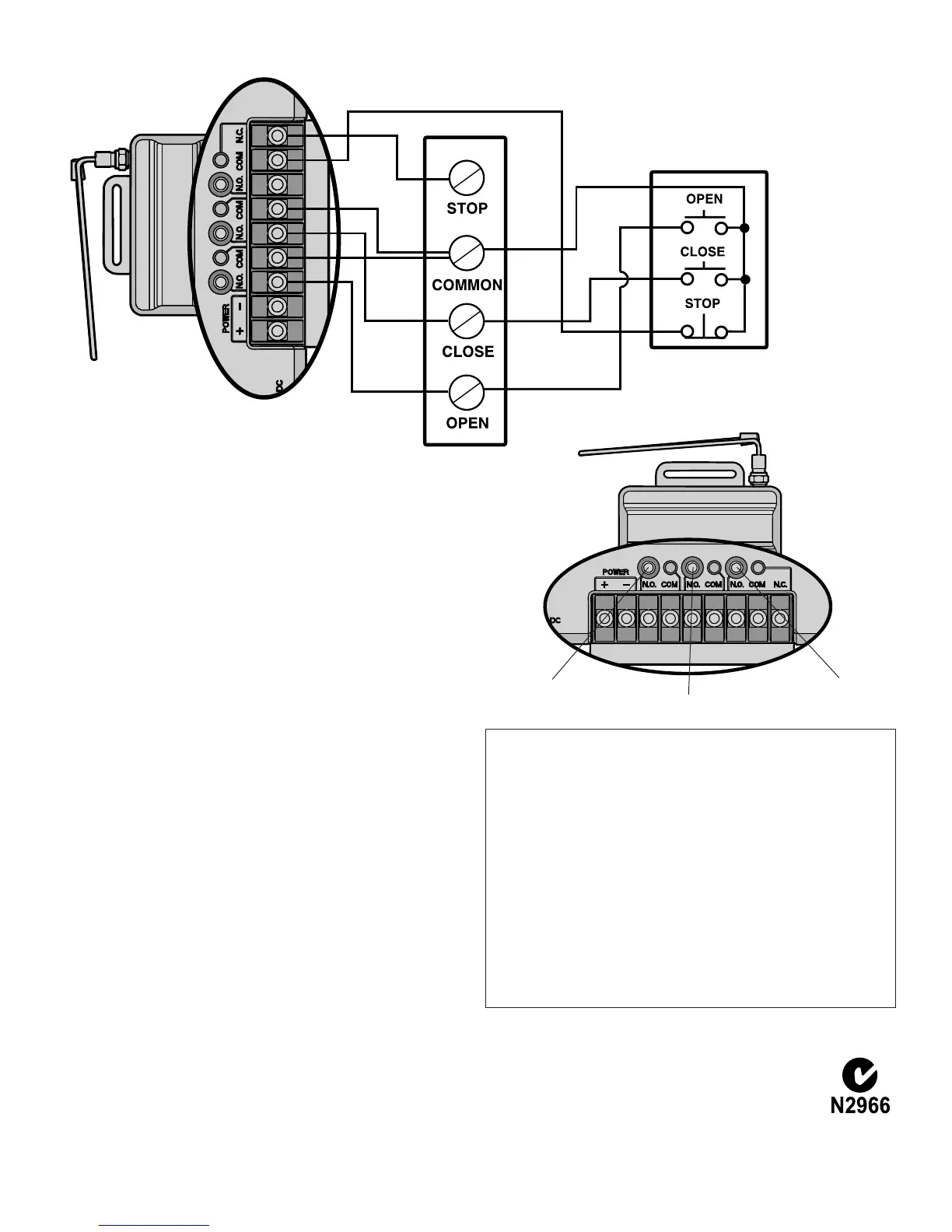
CH1LearnButton
CH2LearnButton
CH3LearnButton
WIRING CONTINUED
OPEN, CLOSE, STOP
Receiver
SingleOperator
3-ButtonControlDevice
Refertoyourdooroperator
orgateoperatorwiring
diagramsforinstructionson
connectingtwoormore
3-Buttoncontroldevices.
CHAMBERLAINAUSTRALIAPTYLTD
POBOX1446
LANECOVENSW1595
PHONETOLLFREE:1800638234
CHAMBERLAINNEWZEALANDLTD
POBOX100-221
NORTHSHORE0745
PHONETOLLFREE:0800MERLIN
WWW.GO-MERLIN.COM
114A4463A


 To Previous Page
 Loading...