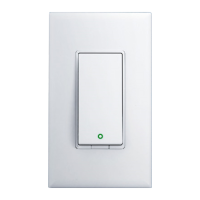
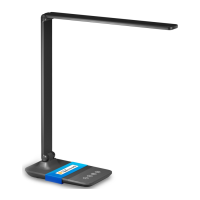
• LED and Button Rules
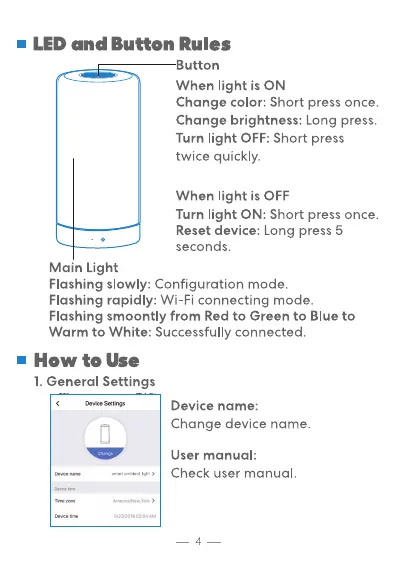
utton
When light is ON
Change color: Short press once.
Change brightness: Long press.
Turn light OFF: Short press
twice quickly.
When light is OFF
Turn light ON: Short press once.
Reset device: Long press 5
seconds.
Main Light
Flashing slowly: Configuration mode.
Flashing rapidly: Wi-Fi connecting mode.
Flashing smoontly from Red to Green to Blue to
Warm to White: Successfully connected.
• How to Use
1. General Settings
Device name:
Change device name.
User manual:
Check user manual.
4


 To Next Page