2. Link Meross to Google Assistant or Amazon Alexa
• Set up the device in the Meross
app and link it to the voice
assistants.
Link to Amazon Alexa
Go to Account-> Amazon Alexa
and allow Meross to link with
Alexa.
Link to Google Assistant
Go to Account-> Google Assistant and follow
the step-by-step instructions to complete the
linking process.
The example commands are as follows :
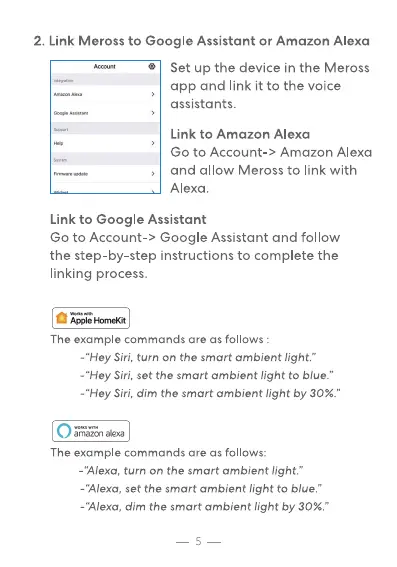
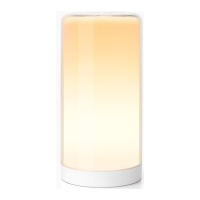
-"Hey Siri, turn on the smart ambient light."
-"Hey Siri, set the smart ambient light to blue."
-"Hey Siri, dim the smart ambient light by 30%."
The example commands are as follows:
-"Alexa, turn on the smart ambient light."
-"Alexa, set the smart ambient light to blue."
-"Alexa, dim the smart ambient light by 30%."
5


 To Next Page