The example commands are as follows:
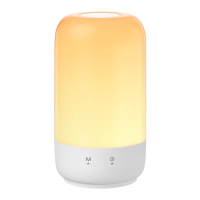
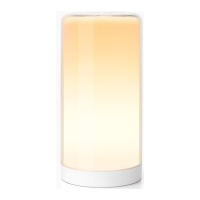
-"Hey Google, brighten the smart ambient light."
-"Hey Google, set the smart ambient light to blue."
-"Hey Google, dim the smart ambient light by 30%."
• FAQ
At Meross, we strive to assure your satisfaction.
Attached below is a non-exhaustive list of
questions that users are mostly concerned about.
1. How do I reset my Meross Smart Ambient Light?
When light is OFF, hold the button for 5 seconds,
it will reset and enter Wi-Fi configuration mode.
Note that factory reset will erase all of your
custom settings, and you'll have to set it up again.
2. What if I can't control the smart device with the
Meross app?
You can troubleshoot the following:
- Check if your home Wi-Fi is working properly.
- Make sure that you have disabled access
control in your router and that the smart
device is not blocked by the router's firmware.
- Factory reset your smart device and try to add
it again.
6


 To Next Page