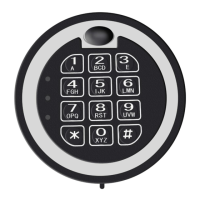
CHANGING THE 1st USER CODE
(Code length: 1 - 8 digit code)
Test the new code several times before closing the door.
1. Locate the red button on the inside hinge side edge of the door.
2. Press the red button (lock will beep twice with the yellow light on)
3. Input: Your New Code - (lock will beep twice)
•
Unsuccessful Code Change: five beeps (the old code is still
valid), repeat steps 1 - 3.
CHANGING THE 2nd USER CODE
(Code length: 1 - 8 digit code)
Test the new code several times before closing the door.
1. Locate the red button on the inside hinge side edge of the door.
2. Input: 0 - 0 on the keypad and then press the red button (lock will
beep twice with the yellow light on)
3. Input: Your New Code - (lock will beep twice)
•
Unsuccessful Code Change: five beeps (the old code is still
valid), repeat steps 1 - 3.
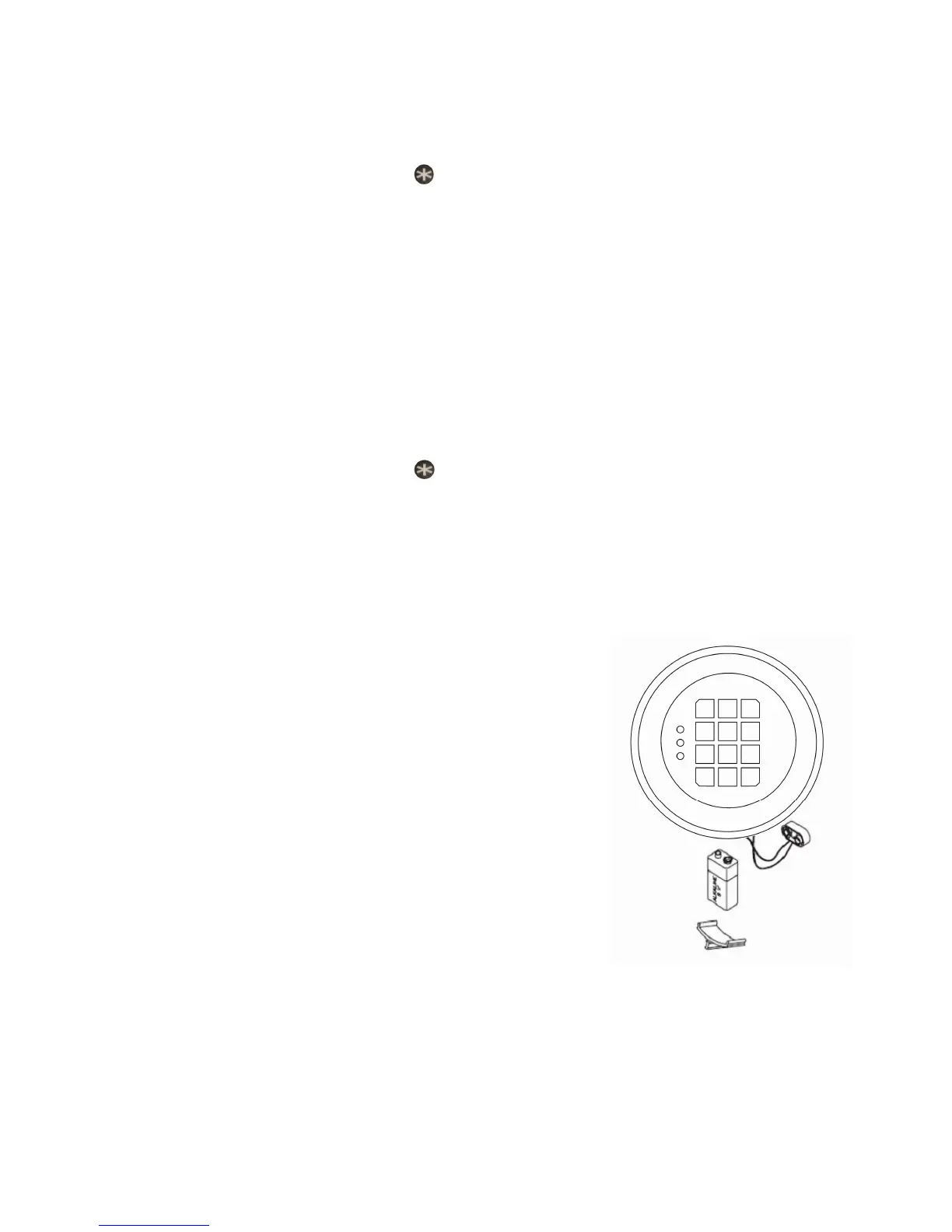
CHANGING YOUR BATTERIES
1. Locate the battery cover on the bottom
edge of the keypad and remove the cover
by pulling on the tab.
2. Carefully and gently remove the 9-volt
CAUTION! Hold onto battery connector
to avoid pulling wires out of housing.
3. Carefully reinsert the new 9V alkaline
battery, do not force the battery into the
compartment.
4. The lock will retain all current codes and
settings.
Low Battery Warnings
• Red light appears when you open the safe other than the green light.
• Enter your code and get a valid response but the lock doesn’t unlock.
WARNING: IF YOU FORGET BOTH USER CODES YOU WILL NO LONGER BE ABLE TO OPEN YOUR SAFE
Page 2



 To Next Page
 Loading...