13
Hazards to Avoid. Some hazards that
you should identify and avoid when setting
up your activity space or using your
Meta Quest include:
• Walls, doors, windows, stairs,
balconies, ramps and doorways
• Furniture (like coffee tables), lamps,
loose rugs and uneven flooring
• People (especially young children) and pets
• Glass or mirrored tabletops and furniture
• Liquids, open flames and sources of heat
(like candles, fireplaces or
heating/cooking devices)
• Ceiling fans, light fixtures
and columns
• Televisions, monitors and other
electronic devices
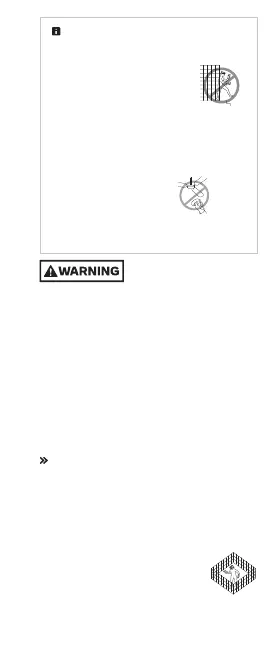
Not recommended for use
outdoors. Using your
Meta Quest outdoors may allow additional and
uncontrolled hazards to arise (for example,
uneven/slippery surfaces, weather conditions and
unexpected objects/vehicles/people/animals).
Water and other outdoor elements may damage
your Meta Quest or impair its operation. You may
not be able to create a consistently safe
environment. Your Meta Quest may not work
properly outdoors and may not be able to track
your position. Lighting conditions that are too
bright or dim may prevent your Meta Quest’s
sensors and navigation safety features from
working optimally, and may lead to tracking loss.
Navigation Safety Features
Interacting With the Physical World
Virtual boundaries. Follow on-screen instructions
to define your activity space. Virtual boundaries
do not physically stop you or others (people,
pets, objects) from entering or leaving your
activity space. A virtual boundary may not
alert you fast enough if you are moving
quickly. Set your boundaries so that you
will be safe based on the content and
movement you plan to use.


 To Next Page
 Loading...