Preparation for use | EN
15
10
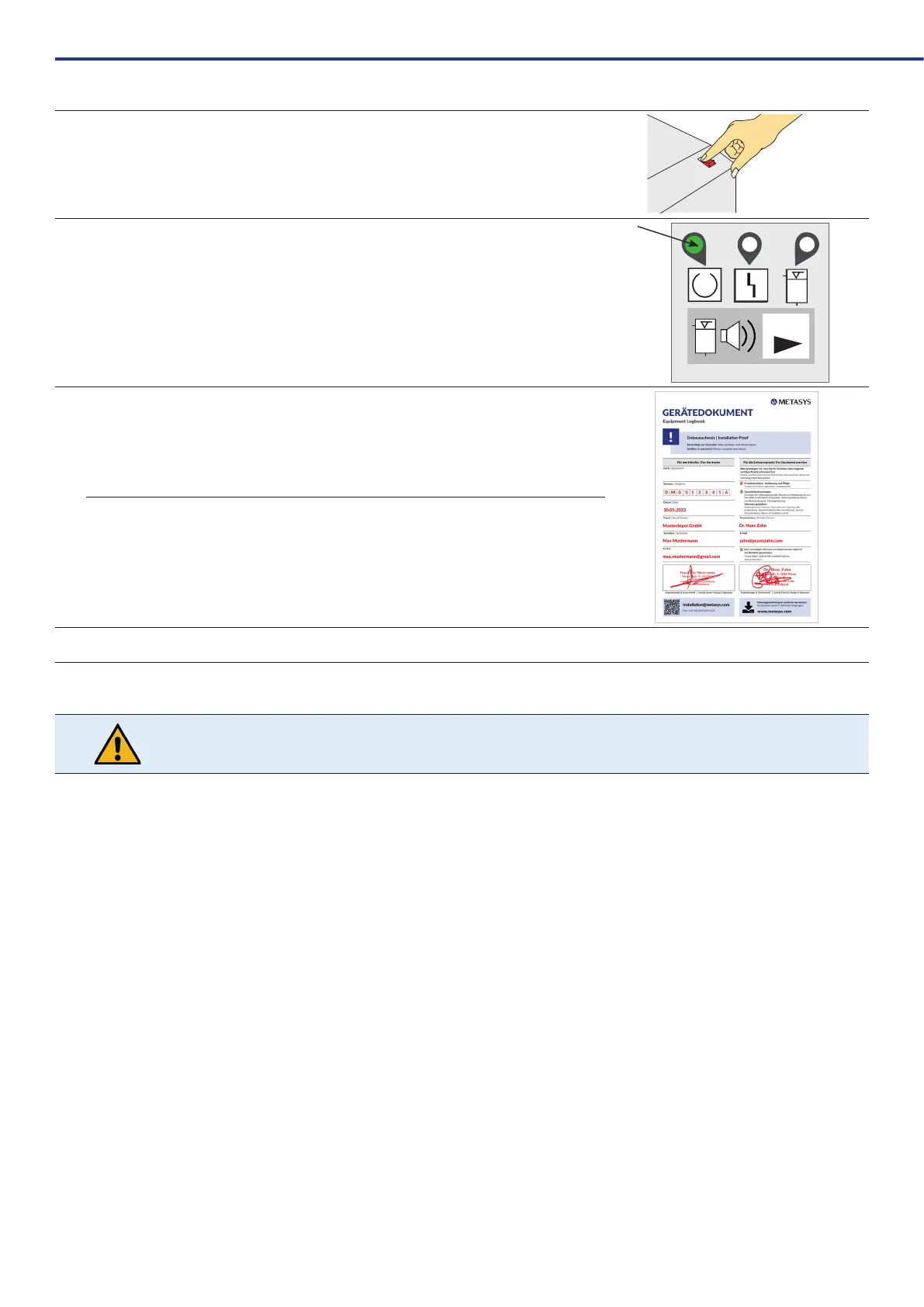
Switch on the device via the device or practice main switch.
ThecentrifugeoftheCOMPACTDynamicstartsupbrieyandstopsabruptly(self-test).
O
I
11
When LED 1 lights up green, the amalgam separator is ready for operation (for a description of the
external display, see 6.2.1. External display).
RESET
RESET
12
Inform the dentist about product function, operation, care and warranty conditions.
Fill in the installation proof and device logbook and return them to METASYS (installation@metasys.
com)
13 Perform normal operation test see 7.2.3. Service mode
5.3.1. Installation and assembly of optional accessories, retrot parts and spare parts
Assembly,modicationsandrepairsmayonlybecarriedoutexclusivelybyauthorisedspecialistpersonnel(see3.2.Safetyinstructions)!
TheMETASYStechnicalcustomerserviceisalsoavailableforfurtherinformationandassistanceincarryingoutrepairs,retrotting,
fault analyses, etc.
5.3.2. Connecting to other devices
When connecting the METASYS device to other devices or systems, hazards can arise. It must therefore be ensured that no hazards arise for the user or the
patientandthattheenvironmentisnotaffected.Thespecicationsofthemanufacturerofthedeviceorsystemtobeconnectedmustbeobserved.


 To Next Page