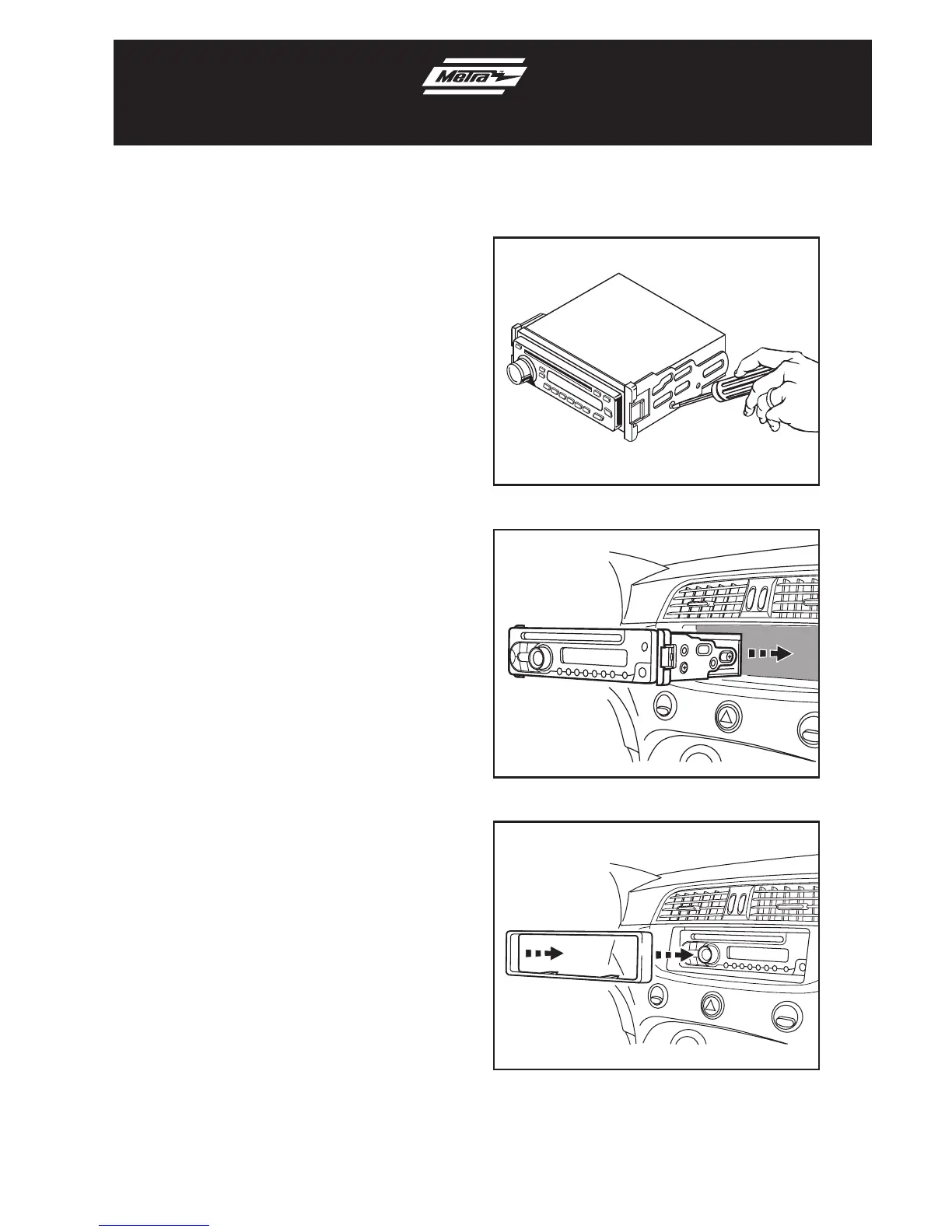
1. Mount the ISO Brackets to the head unit
with the screws supplied with the unit.
(Figure A)
2. Slide the head unit into the radio
opening until the side clips engage.
(Figure B)
3. Snap the Trim plate into the
Radio Housing. (Figure C)
4. Locate the factory wiring harness
and antenna plug in the dash. Metra
recommends using the proper mating
adapters from Metra and/or AXXESS.
5. Reassemble dash in reverse order
of disassembly.
ISO DIN head unit provisions
Kit Assembly 99-6515
(Figure A)
(Figure B)
(Figure C)



 To Previous Page