EasyManua.ls Logo

Metrologic MS9535 - User Manual

Metrologic MS9535
56 pages
Print Icon
To Next Page IconTo Next Page
Loading...
METROLOGIC INSTRUMENTS, INC.
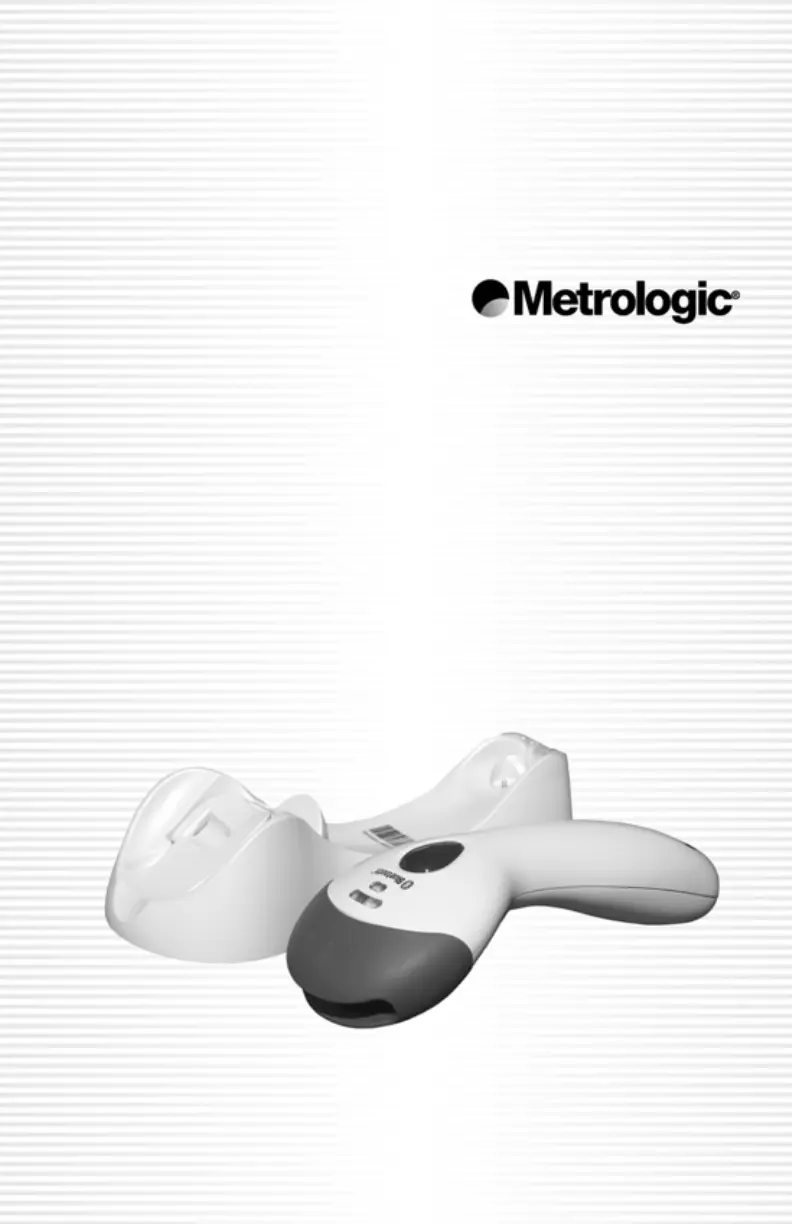
MS9535 VoyagerBT
Wireless Hand-Held Laser Scanner
Installation and User’s Guide

Questions and Answers

Summary

Introduction

Scanner and Accessories

Quick Start Guide

Scanner Operation Modes

Explains auto-trigger and CodeGate modes for scanner operation.

RS232 and Light Pen Scanner Installation

Keyboard Wedge Scanner Installation

USB Keyboard Scanner Installation

IBM Scanner Installation

Full Speed USB with External Power Supply Installation

Full Speed USB with Power from Register Installation

Establish Scanner and Cradle Communication

Dynamic Pair Function

Explains how a scanner connects to any cradle by scanning its Bluetooth address.

RangeGate Functionality

Describes how the scanner stores scans when out of communication range with the cradle.

Charging the Scanner

Manufacturers Suggestions for Power Saving

Provides advice on sleep modes to conserve scanner battery power.

Lithium Battery Safety Precautions

Lists essential safety guidelines for handling and storing lithium batteries.

Receiver and Charger Cradle

Cradle Components and Features

Cradle LED and Button Functions

Explains the function of the blue LED, page button, and charge contactors on the cradle.

Scanner Components and Indicators

Scanner Top and Side View Components

Identifies key parts of the MS9535 scanner, including LEDs, buttons, and output window.

Audible Indicators

Visual Indicators

Failure Modes and Troubleshooting

Programming Modes

Scanner Configuration Methods

Details configuration via bar codes and the MetroSet2 software.

Firmware Upgrade Procedures

Scanner Labels and Maintenance

Scanner Label Information

Describes the information found on the scanner's back label.

Scanner Maintenance

Instructions for cleaning the scanner's output window to ensure proper scanning.

Depth of Field Specifications

IR Activation Scan Field

Bluetooth Connectivity with Other Devices

Scanner as Bluetooth Client

Explains how to establish communication when the scanner acts as a Bluetooth client.

Scanner as Bluetooth Server

Describes how to enable the scanner to act as a Bluetooth server for discovery.

Troubleshooting Guide

Design Specifications

Default Settings Configuration

Cradle and Cable Terminations

Cradle Pinout Connections

Details the pin configurations for various cradle interface types.

Cable Connector Configurations (Host End)

Shows connector types and pinouts for various host interface cables.

Keyboard Wedge Cable Connector Configuration

Details the pin assignments for the keyboard wedge cable and adapter.

Limited Warranty Information

Notices and Safety Information

FCC and IC Compliance Notices

Provides FCC and Industry Canada compliance statements for the device.

Laser Safety Precautions

Warns about hazardous laser light exposure and advises against servicing the unit.

Patent Coverage

Metrologic MS9535 Specifications

General IconGeneral
BrandMetrologic
ModelMS9535
CategoryScanner
LanguageEnglish

Related product manuals