Made by
ALL Engineering
• Remote switches: The Onyx shares the same back plate with our Jade pre-amplifier . In case
of the remote switch connectors they are omitted in case of the Onyx.
Operation
• On/Standby switch : To reduce power the mother board will be switched off in stand-by
mode. Just the front panel is activated to control the system and power consumption will be
reduced to 0.5 Watts.
• Mute function: By powering up the dac the mute function will be released after five
seconds. When switching the dac to standby mode muting will be active again.
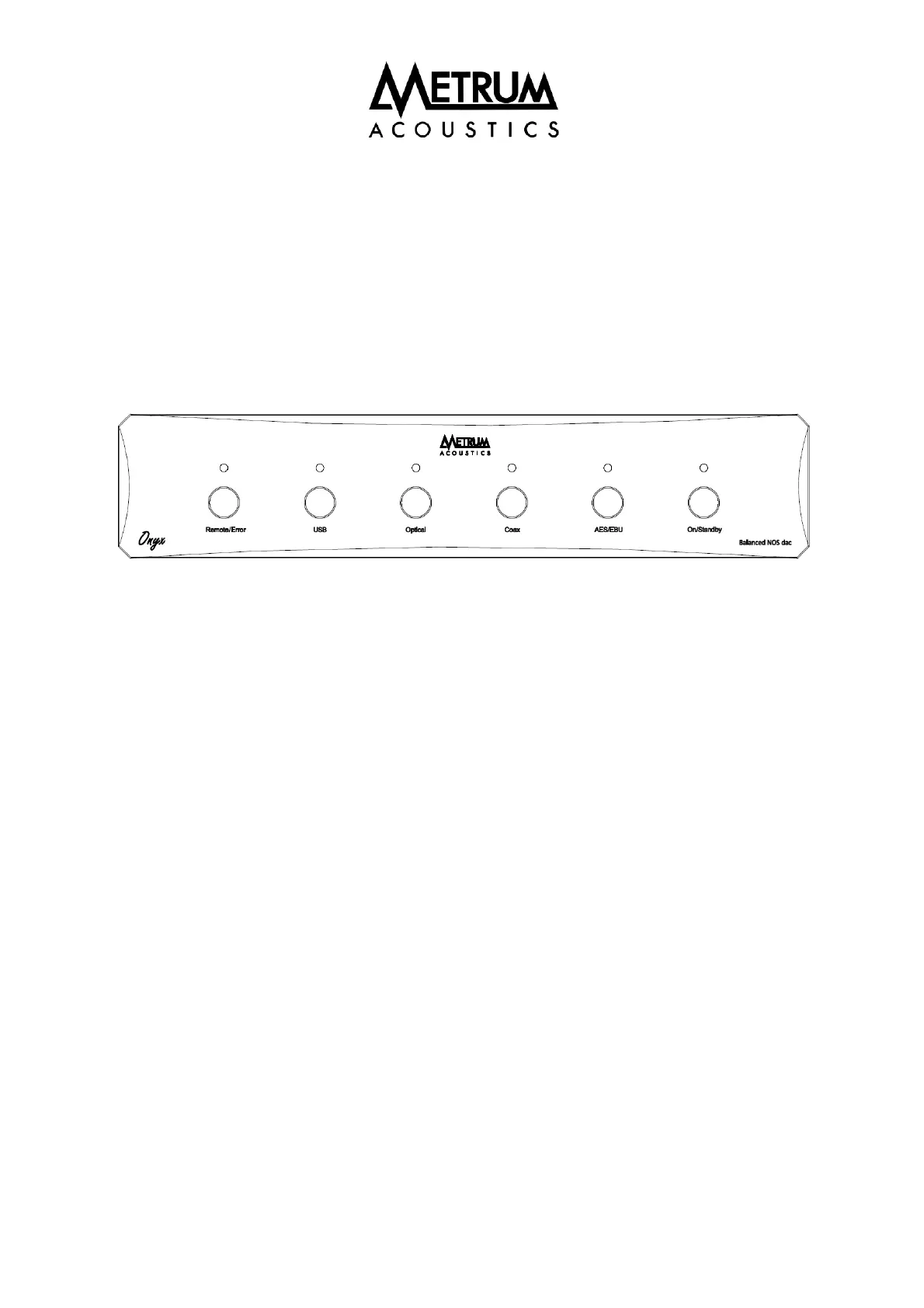
• Source selection: The digital inputs can be selected by using four small buttons on the front .
When switching the dac on, by default the last selected source will be active.
•
Error indication: When no digital data is coming in, the orange Remote /Error led above the
remote sensor will lit.
•
Remote indication: When using the remote control the Remote/ Error led will flash rapidly.


 To Next Page