Loading and saving patterns using USB, USB-Firmware-Update
Given the appropriate driver has been installed and the MFB-301 Pro has been
connected to a Windows computer using the USB connection, a terminal software
can be used to save and load patterns from and to the unit. To do so, press Bank
1, release the button and press Play to initiate the transfer to the computer. Or,
press Bank 1, release the button, press REC, release the button and then press
Play to initiate the transfer to the MFB-301 Pro. More detailed descriptions as
well as information how to carry out firmware updates are soon to be found on
our website.
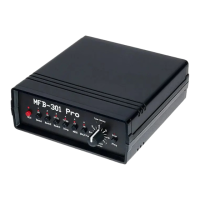
Control Elements
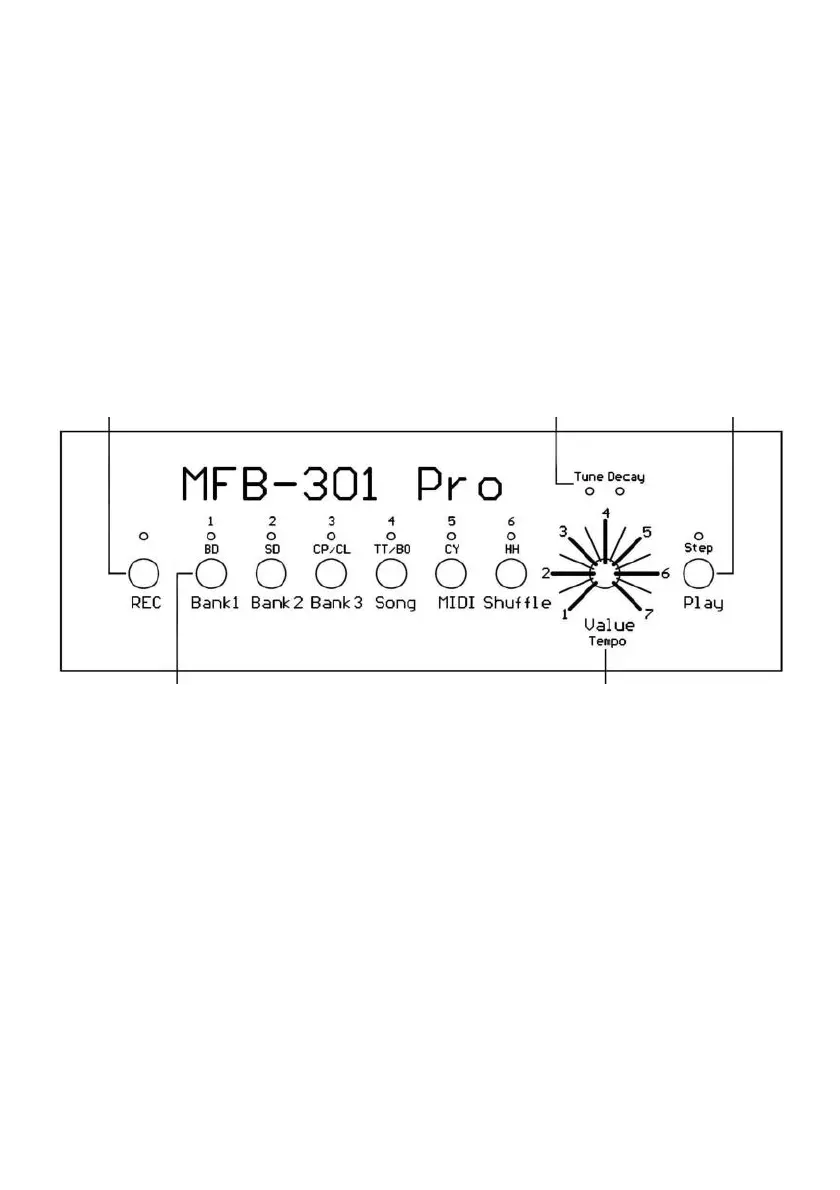
Record/Shift-button Functional display Play/Step-button
Sound-/Multi-function buttons 1-6 Value input control
MIDI-Implementation
MIDI-Note Instrument/Function CC-Number Function
Note # 36 (C) BD CC# 03 BD Tune


 To Next Page