MFJ-462B MultiReader
4
MFJ MULTI-READER
CW, RTTY, ASCII,AMTOR...
COPYRIGHT MFJ ENTERPRISES 1994
RELEASE XXX
òò
SIGNAL SETUP BAUD RATE SETUP PRINTER SETUP RAM SETUP REVERSE SETUP PRACTICE KEY
òò òò òò òò òò òò
CW
RTTY 170
RTTY 425
RTTY 850
ASCII
AMTOR FEC
MAIN MENU
45 BAUD
50 BAUD
57 BAUD
75 BAUD
100 BAUD
MAIN MENU
PRINTER ON/OFF
MAIN MENU
RAM PLAYBACK
SCROLL SLOWER
SCROLL FASTER
PRINT RAM ON/OFF
CLEAR RAM
MAIN MENU
REVERSE ON/OFF
MAIN MENU
PRACTICE ON/OFF
MAIN MENU
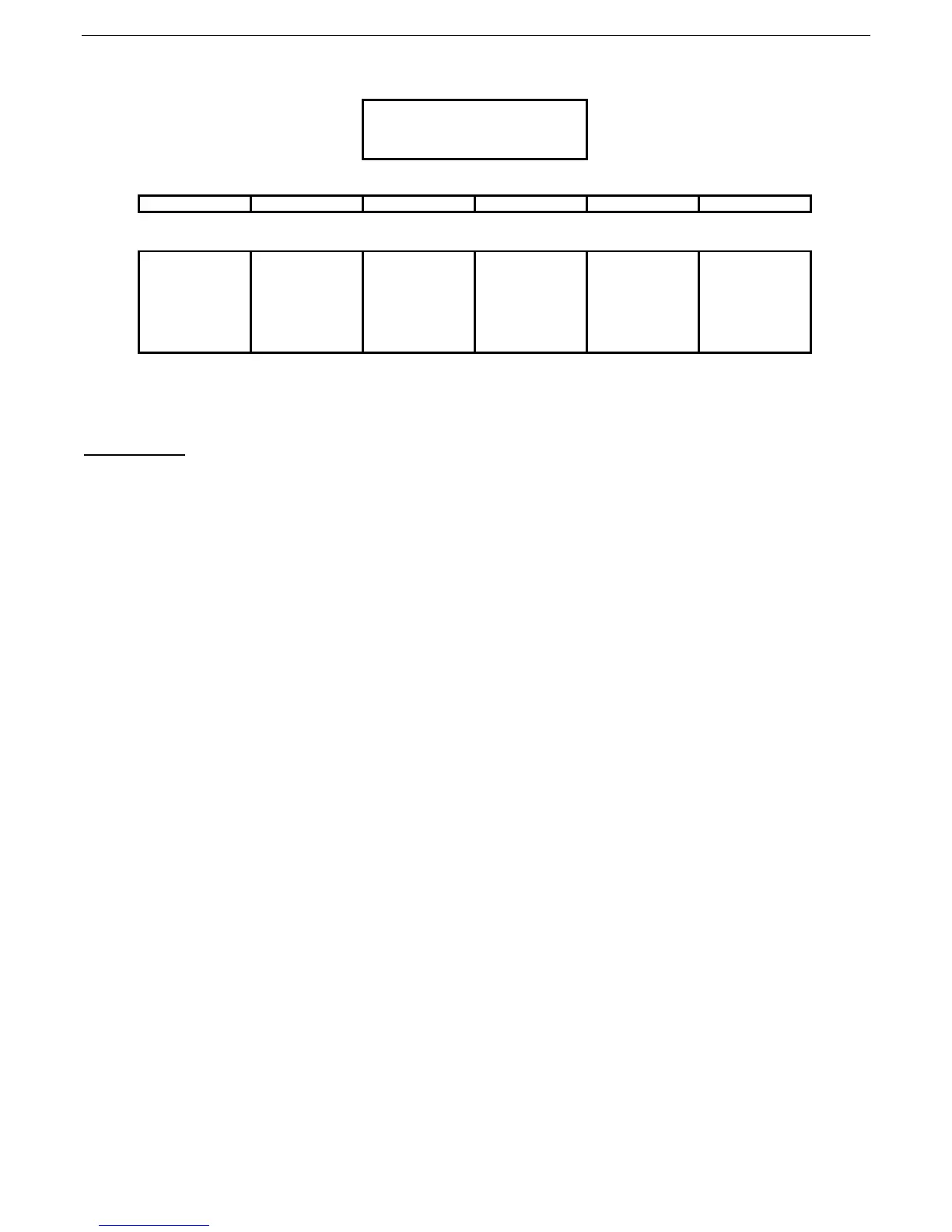
MFJ-462B MultiReader™ Menu Layout
Figure 1
Main Menu:
The main menu allows you to select the configuration sub-menus, so you can set-up the MFJ-462B to decode the
various signals of which it is capable. There are six main menu OPTIONS:
1. SIGNAL SETUP
2. BAUD RATE SETUP
3. PRINTER SETUP
4. RAM SETUP
5. REVERSE SETUP
6. PRACTICE KEY
Press the OPTION button to change the menu options, then press the SELECT button to enable a sub-menu.
When the PRACTICE KEY option is displayed and you press the OPTION button, the MFJ-462B returns to the
beginning of the main menu, SIGNAL SETUP.
SIGNAL SETUP
The SIGNAL SETUP sub-menu allows you to choose the type of signal that you want the MFJ-462B to decode.
There are seven sub-menu selections:
1. CW
2. RTTY 170
3. RTTY 425
4. RTTY 850
5. ASCII
6. AMTOR FEC
7. MAIN MENU
Press the OPTION button to change the sub-menu options. Once the signal type you want is displayed on the
LCD, press the SELECT button to begin decoding the type of signal you selected. When you press the SELECT
button again, the MFJ-462B will exit signal decoding, and return to the SIGNAL SETUP sub-menu. If you are in
the RTTY mode, and the MFJ-462B is not decoding the signal, you may have the signal baud rate set improperly.
In this case, you can press the OPTION button to exit decoding and go to the BAUD RATE SETUP sub-menu.
At the BAUD RATE SETUP sub-menu, you may select another baud rate setting, then return to the SIGNAL
SETUP sub-menu and re-enter the previous RTTY mode. To exit this sub-menu without selecting a signal type,
press the OPTION button until the display reads MAIN MENU, then press the SELECT button to exit.



 To Next Page