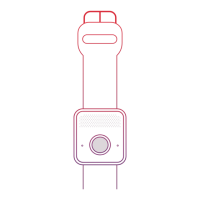
Press and hold the help button for
3 seconds, or until the blue light
around the help button appears,
then release the button.
You will hear a voice and then tones
or ringing.
The Monitoring Center will answer
the call. State whether you need
help or are just testing.
*If your device does not connect properly,
please contact Customer Care immediately.
We recommend that you clean your
device weekly to ensure proper charging.
Take a soft cloth, such as an eyeglass
cleaning cloth, and gently rub the gold
contacts on the device and charging
cradle to remove dirt, oil, and debris.
You can also spray household cleaner
onto the cleaning cloth to remove debris
(do not spray directly onto the device or
cradle).
How to call for help or test your
device
Clean your device


 To Next Page