Page 5
Product Introduction
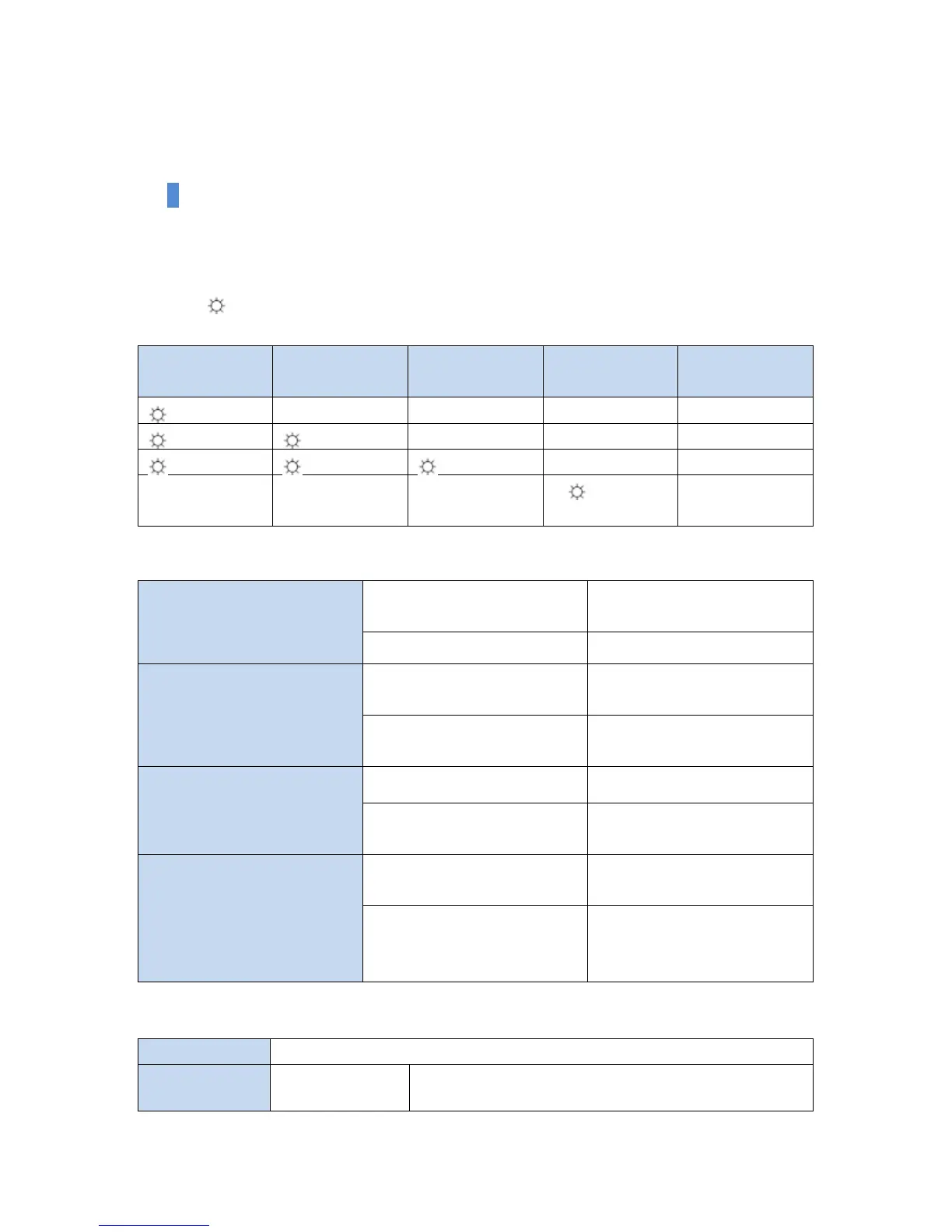
Battery Indicator
You can check the remaining battery capacity when you push the battery indicator button.
Note) mark displays the light on LED.
Remaining
Battery Capacity
Data is being transferred
through Wi-Fi.
Data is being transferred
through Wi-Fi.
System is normal, but WAN is
not normally connected.
WAN is normally operating.
Data is being transferred
through WAN.
Recharging (it takes 12-14 hrs
until completion)
If the light is still off when the
recharging cable is connected,
the recharging is completed.
Please recharge with 5V, 1-2A to the rechargeable port.
When the power
switch is set to
You may use by connecting the external storage device.


 To Next Page