counterclockwise then slowly clockwise
until the receiver noise disappears. Any
signal to be received must now be slightly
stronger
than
the average receiver noise.
Further clockwise rotation will increase
the threshold level which a signal must
overcome in order to be heard. Only
strong signals will be heard at a maximum
clockwise setting.
RF Gain.
This controls the strength
of an incoming signal. If a signal re-
ceived is very weak, turn the knob clock-
wise. If you are listening to a very strong
signal, turn counterclockwise.
LSB-USB-AM.
This control selects
the mode of operation in either standard
AM, upper sideband
or
lower sideband
mode. Transmissions in the AM or side-
band modes can only be communicated
to a stations operating in the same mode.
Clarifier.
This control provides fine
tuning of the receiver. On regular AM
reception, this will permit adjustment of
off-frequency transmissions. In the SSB
modes [either LSB or USB], this control
is used as a voice clarifier to adjust for
clearer voice reception.
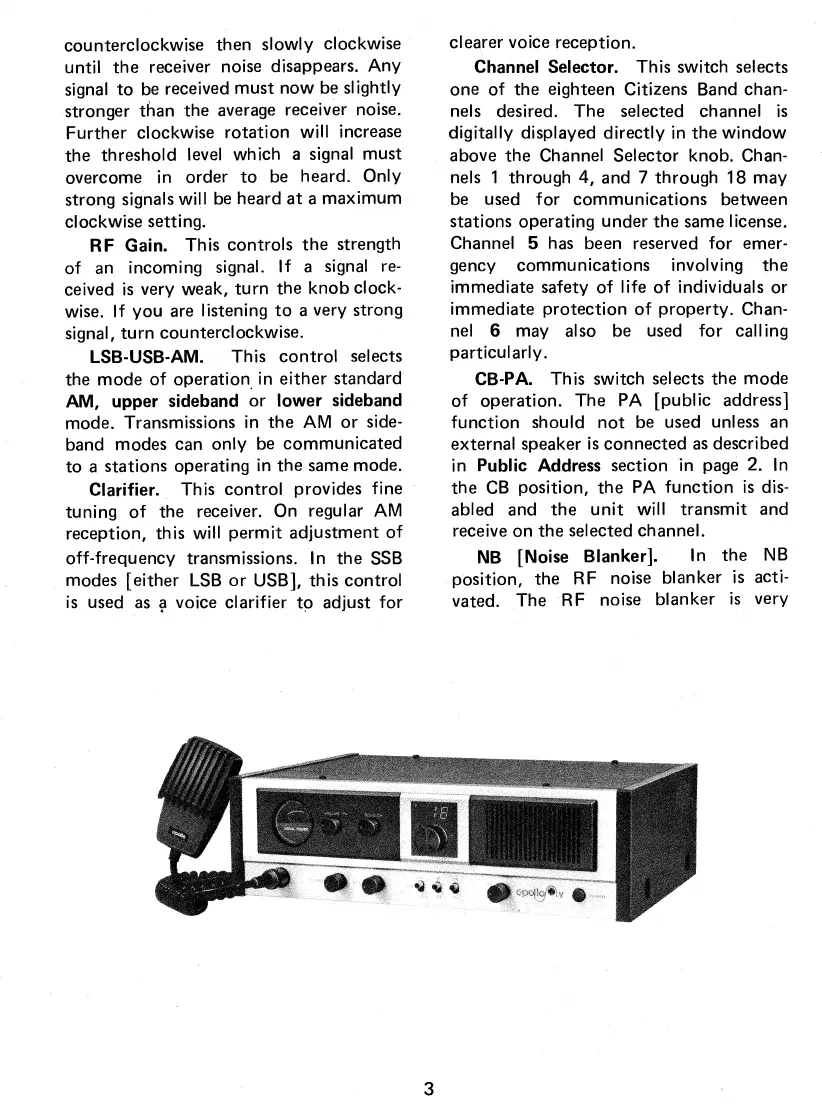
Channel Selector.
This switch selects
one of the eighteen Citizens Band chan-
nels desired. The selected channel is
digitally displayed directly in the window
above the Channel Selector knob. Chan-
nels 1 through 4, and 7 through 18 may
be used for communications between
stations operating under the same license.
Channel
5
has been reserved for emer-
gency communications involving the
immediate safety of life of individuals or
immediate protection of property. Chan-
nel
6
may also be used for calling
particularly.
CB-PA.
This switch selects the mode
of operation. The PA [public address]
function should not be used unless an
external speaker is connected as described
in
Public Address
section in page 2. In
the CB position, the PA function is dis-
abled and the unit will transmit and
receive on the selected channel.
NB [Noise Blanker].
In the NB
position, the RF noise blanker is acti-
vated. The RF noise blanker is very
3


 To Next Page
 Loading...