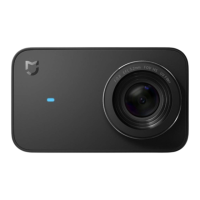
7. Indicator Status
Status Description
Powered on indicator
No card/Card error
Upgrading
Photo shooting/Video recording
Front indicator On
Front/Top indicator Slow blinking
Front indicator Fast blinking red
Front/Top indicator Fast blinking alternately
Note: When the front indicator is blue, the unit is fully charged; when it is yellow, the
baery is adequate; when it is red, the baery is low.
Note:
The GPS must be activated for some certain phones when searching for the Mi Action
Camera 4K via Wi-Fi.
Aer the App is connected to the camera successfully, Android phones disconnect the
Internet and a prompt indicating no Internet connection is displayed on some certain
phones. In this case, choose to maintain the current connection.
To upgrade the camera firmware, you need to maintain the phone's connection to the
Internet.


 To Next Page