In the app, you can select the device sharing option in the settings menu to
share the camera with others. The users, you share the camera with, need to
download the Mi Home/Xiaomi Home app and log in with their Mi account to
view contents.
Video Sharing
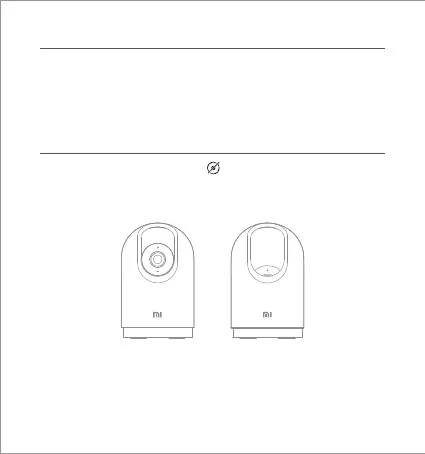
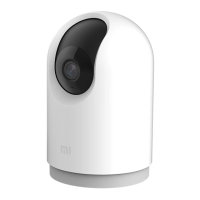
When recording is not required, tap " " in the app to enable the physical
lens blocking function. The camera will automatically adjust the lens so that
it is covered by the casing of the camera itself to protect the user's privacy.
Physical Lens Blocking
Note: Illustrations of product, accessories, and user interface in the user
manual are for reference purposes only. Actual product and functions may
vary due to product enhancements.
Normal Blocked


 To Next Page