Switch between single and dual earbud:
When both earbuds are connected successfully,
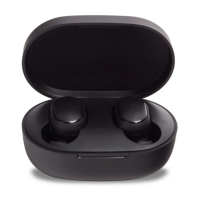
they are in dual-earbud mode. Place one of the
earbuds back into the charging case and close
its lid, the other earbud will automatically enter
the single-earbud mode. Remove the earbud
from the charging case, the dual-earbud mode
will automatically be reored again.
Connection
Automatic Connection:
1.
2. Once your device and earbuds are successfully
connected, your earbuds will automatically
connect to the previously paired device (the
Bluetooth is enabled) when they are turned on.
Note: If you cannot pair the earbuds, place them
back in the case and repeat the previous eps.
Remove both earbuds from the charging case
simultaneously, and wait for the earbuds to
automatically turn on. The indicator turns
white and then changes into quickly blinking
white and red alternately, which means the
earbuds are connecting with each other. When
white, please enable the Bluetooth function on
your device and search for "Mi True Wireless
EBs Basic 2" to connect.


 To Next Page