Reset Earbuds
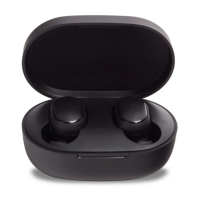
If the earbuds cannot connect properly, please
carry out the following eps to reset: Remove
the earbuds from the charging case, and make
sure they are turned o. Press and hold the multi-
seconds until the indicator alternately blinks red
and place the earbuds back in the charging case.
Once the earbuds are reset successfully, the
connection between your device and the earbuds
are cleared, you should pair them with your
device again.


 To Next Page