User Guide 2 2/22/2012
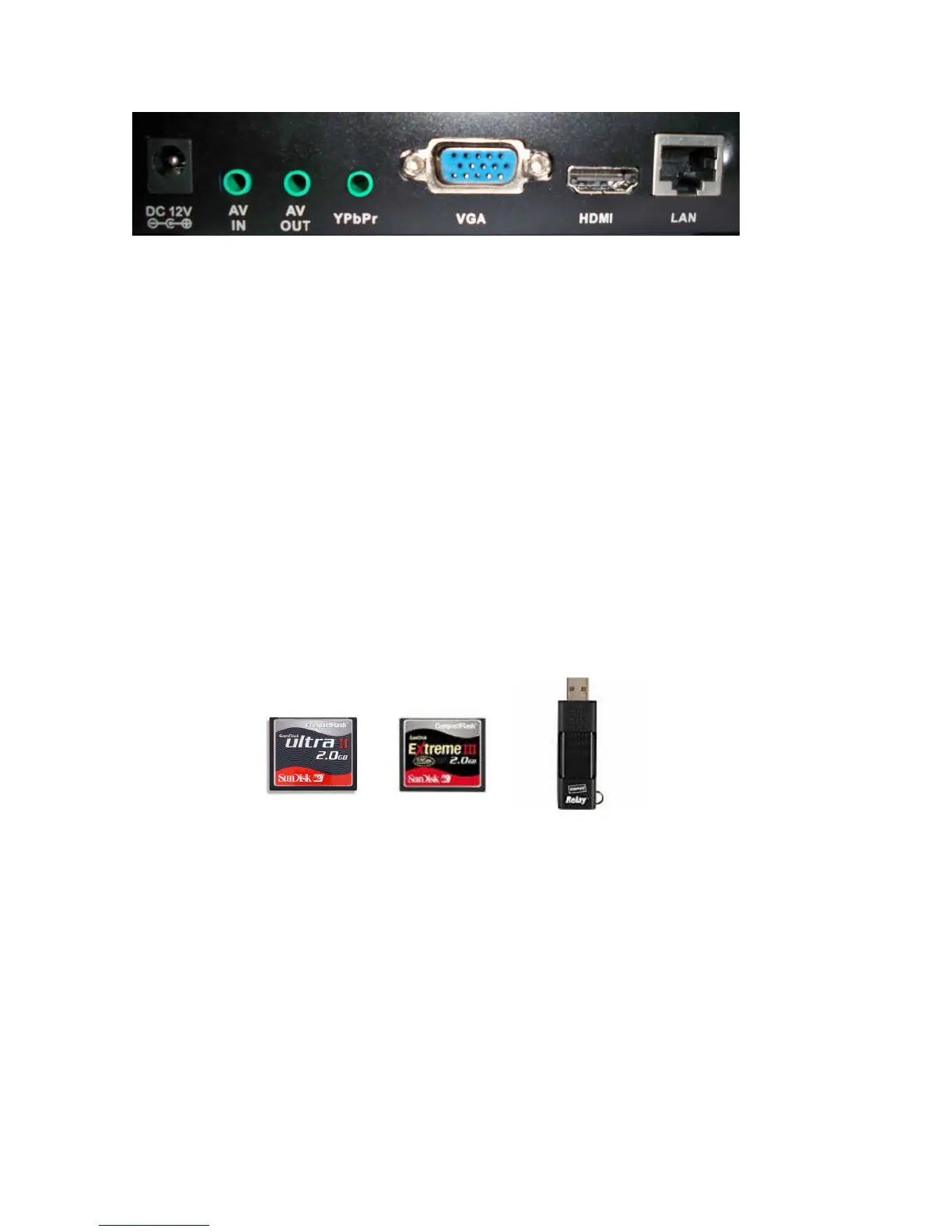
From left to right
A: 12V DC Power Adapter (included)
B: A/V In: Composite video and audio input ( 3-in-1 cable included )
C: A/V Out: Composite video and/or audio output
D: YPbPr: Component Video
E. VGA Video port
F: HDMI: HDMI output (HDMI cable included)
G: Ethernet port: Connect to LAN or Internet network
Storage:
• NP-50 can now playback and download with CF card or USB drive.
• If both CF and USB devices are inserted, CF card will be ignored.
• Insert only one type of media, either USB drive or CF card
• Maximum capacity is up to 32GB for both storage devices
• USB detection will be slower than CF card.
• If your USB and CF card are 4GB or higher or has many files, main menu will show “Loading,..”
then display total capacity Storage (USB) = or Storage(CF) =
• High speed CF memory card is preferred (like Sandisk Ultra II or Extreme III) for faster download
performance,and select ‘FAT32’ to format CF card for better file structure performance
Board and cables connection
a) Insert CF card into CF card slot or USB drive into USB slot
b) Plug in LAN cable that connects to router
c) Video connection to TV has 3 kinds
i. Connect HDMI cable to LCD TV (HDMI always output and default is 1080p) if your
LCD is 720p then press “Video Mode” key to switch.
ii. Connect YPbPr cable (Red, Green, Blue) to LCD TV (press “Video Mode” key of
remote control if no output)
iii. Connect VGA to LCD TV (press “Video Mode” key of remote control if no output)
d) Connect audio cable (Red and White) to TV’s audio port. (no need this if HDMI output)
e) Plug in 12V AC power adapter (do not use other voltage)
f) Turn on power and wait, screen will show ‘Initializing’ till main menu


 To Next Page
 Loading...