soniclear | 15
5. Starting: Press the ON/OFF Button to turn on
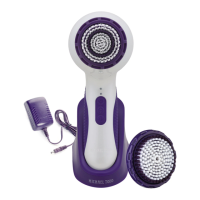
6. Selecting Speeds: To customize cleansing for your specic skin type and
concerns, soniclear provides a choice of 6 sonic powered cleansing
speeds: 3 sonic speeds (low, medium and high) with the C-Boost
™
B
O
O
S
T
Technology feature activated and 3 speeds without the feature activated.
C-Boost
™
Technology is a setting that provides stimulating adjustable pulse/
massage at the push of a button for improved circulation.
Through smart technology, when you turn on your soniclear it will default
to the last speed that was used prior to shutting the unit off. To change speeds,
press the Speed Button
while your soniclear is on. Speed is indicated
visually by the two red Speed Indicator Lights on the Handle above the Power,
Speed and C-Boost
™
Buttons.
To use the C-Boost
™
Technology feature
B
O
O
S
T
, turn on the soniclear
and press the C-Boost
™
button
B
O
O
S
T
, then select the desired C-Boost
™
speed by
repeatedly pressing the Speed Button
until the desired speed is achieved
as indicated by the two red blinking Speed Indicator lights on the Handle
above the Power, Speed and C-Boost
™
Buttons.


 To Next Page