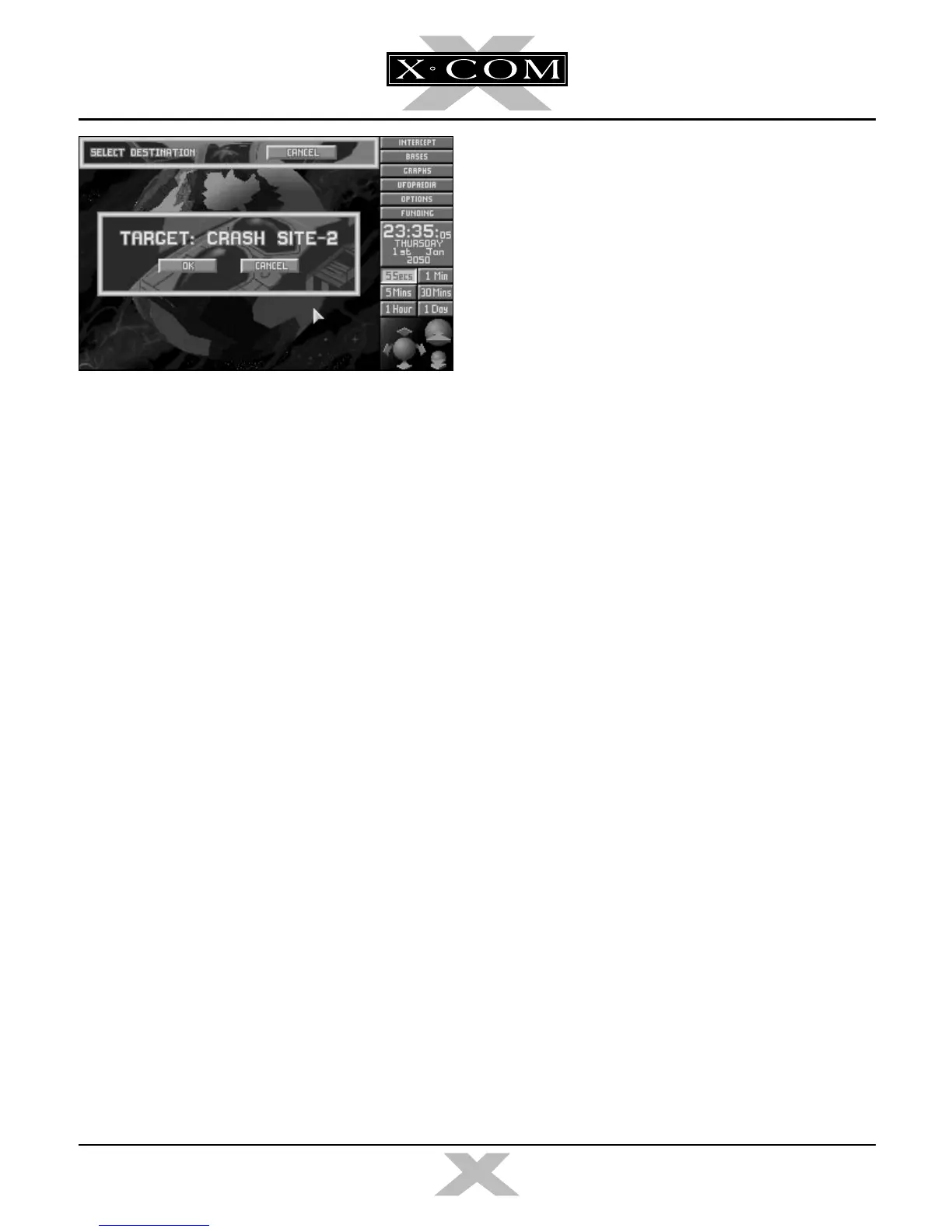
■ Click on OK.
32. The
Triton
(represented by a yellow cross)
will launch and make its way to the Alien
Sub Crash Site.
■ Click on the 5 Mins button if you want to
increase the passage of time.
33. When the
Triton
arrives at the Crash Site,
the Alien Sub Crash Recovery screen
appears. Read the instructions on this
screen.
■ Click on OK to enter the next section of
X-COM: Terror From The Deep —
The
Battlescape.
14
TERROR FROM THE DEEP
TERROR FROM THE DEEP
X-COM 2 manual part 1 for PDF 3/4/97 12:44 PM Page 14



 To Next Page