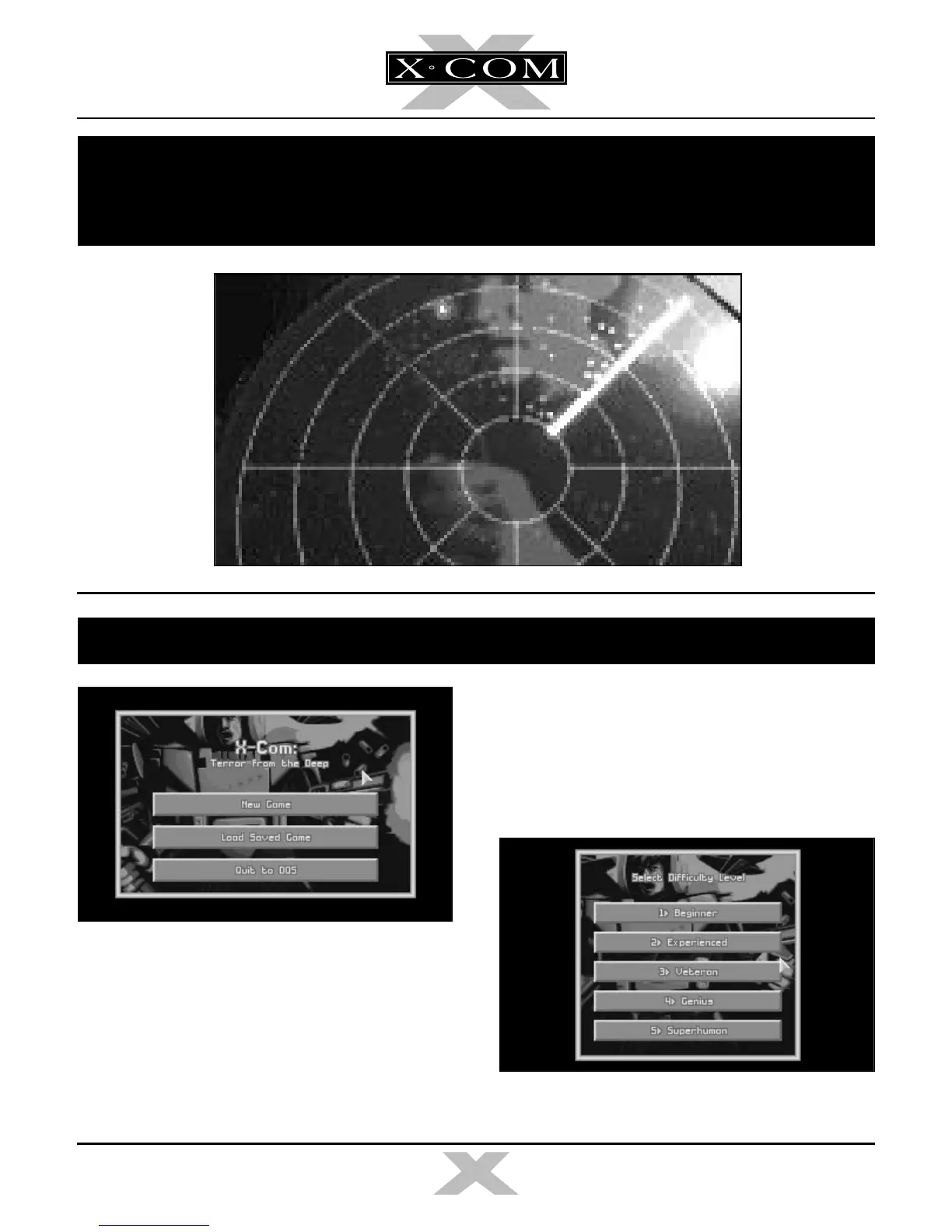
The Game Options screen appears when you
load
X-COM: Terror from the Deep
(after the
Language Selection Screen) allowing you to
select between New Game or Load Saved
Game. Position the mouse pointer over the
required option and click the Left Mouse
Button (LMB) to select.
NEW GAME
If you select New Game in the Game Options
screen, the Select Difficulty Level screen
appears.
33
TERROR FROM THE DEEP
TERROR FROM THE DEEP
SECTION 2
THE REFERENCE GUIDE
THE GAME OPTIONS
X-COM 2 manual part 2 for PDF 3/4/97 5:01 PM Page 33



 To Next Page