Power-up Sequence
ICES model M series
Rev: M-20170706
( C ) 2017 Micro-Pulse
< SET >
SELECT PROTOCOL
- - B5 – C5 - -
< CHANGE > < SET >
POWER LEVEL = 9
[ - - - - - - ] 9
- - B5 – C5 - -
< CHANGE > < SET >
- - B5 – C5 - -
[ - - - - - - ] 9
- to reset: power OFF -
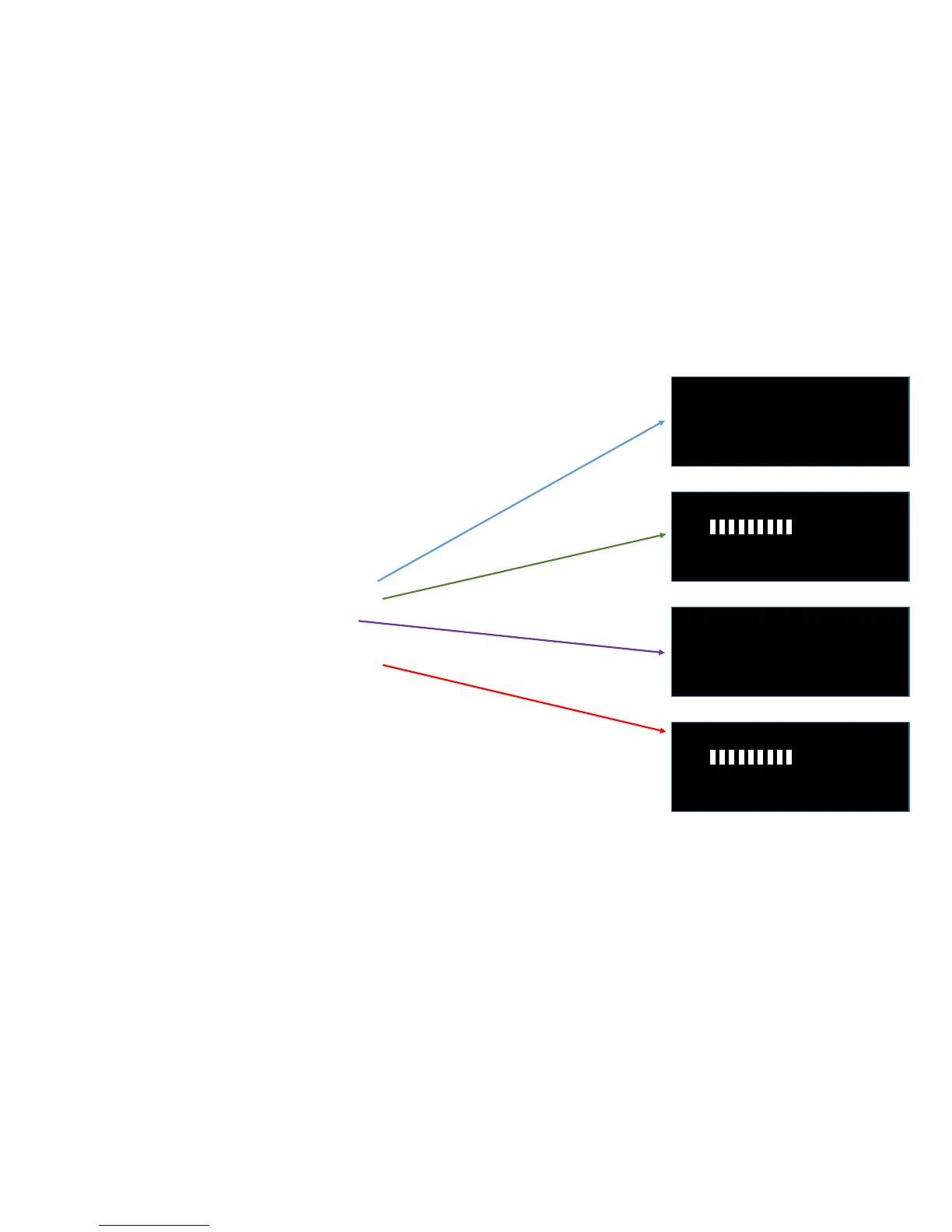
On Power-up, the model M will do the following:
1- Flash all three LEDs for ½ second
2- Clear the screen
3- Display the model and firmware revision
4- Allow the user to change the power level
5- Allow the user to change the protocol
6- Clear the screen
7- Display current power level and protocol
8- Begin operation: green LED flashes with each pulse
NOTE: settings can not be changed while operating, only at power-up.
You must shut the power OFF, then back ON to make changes to settings.
This is to prevent settings from being accidentally changed during operation.
COPYRIGHT © 2017 Micro-Pulse LLC All Rights Reserved Worldwide


 To Next Page
 Loading...