in the device manager list of the computer and select it
(for the serial port connection method, refer to Section
5 of this manual for interface cable description).
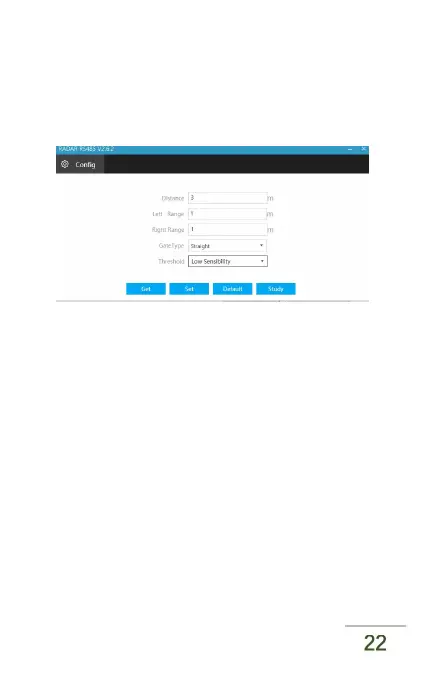
Step2: Radar Sensing Range Setting
The factory default operating range of radar is 3 metres.
The user can set it according to the length of the
specific gate bar.
Step3: Boundary Setting
the factory default boundary of radar detection along
the access road is limited to -0.5 m and 0.5m in the
center of the gate bar. The default setting is



 To Next Page