EasyManua.ls Logo

Microh LED Slim P7 - Mounting and Installation

Default Icon
14 pages
Print Icon
To Next Page IconTo Next Page
To Previous Page IconTo Previous Page
Loading...
S
T
P
r
1
)
P
r
1
2
)
P
r
(
0
D
Y
o
1
)
T
h
b
u
a
t
m
w
i
2
)
P
r
th
O
1
)
P
r
"
2
)
P
r
a
n
3
)
P
r
r
e
T
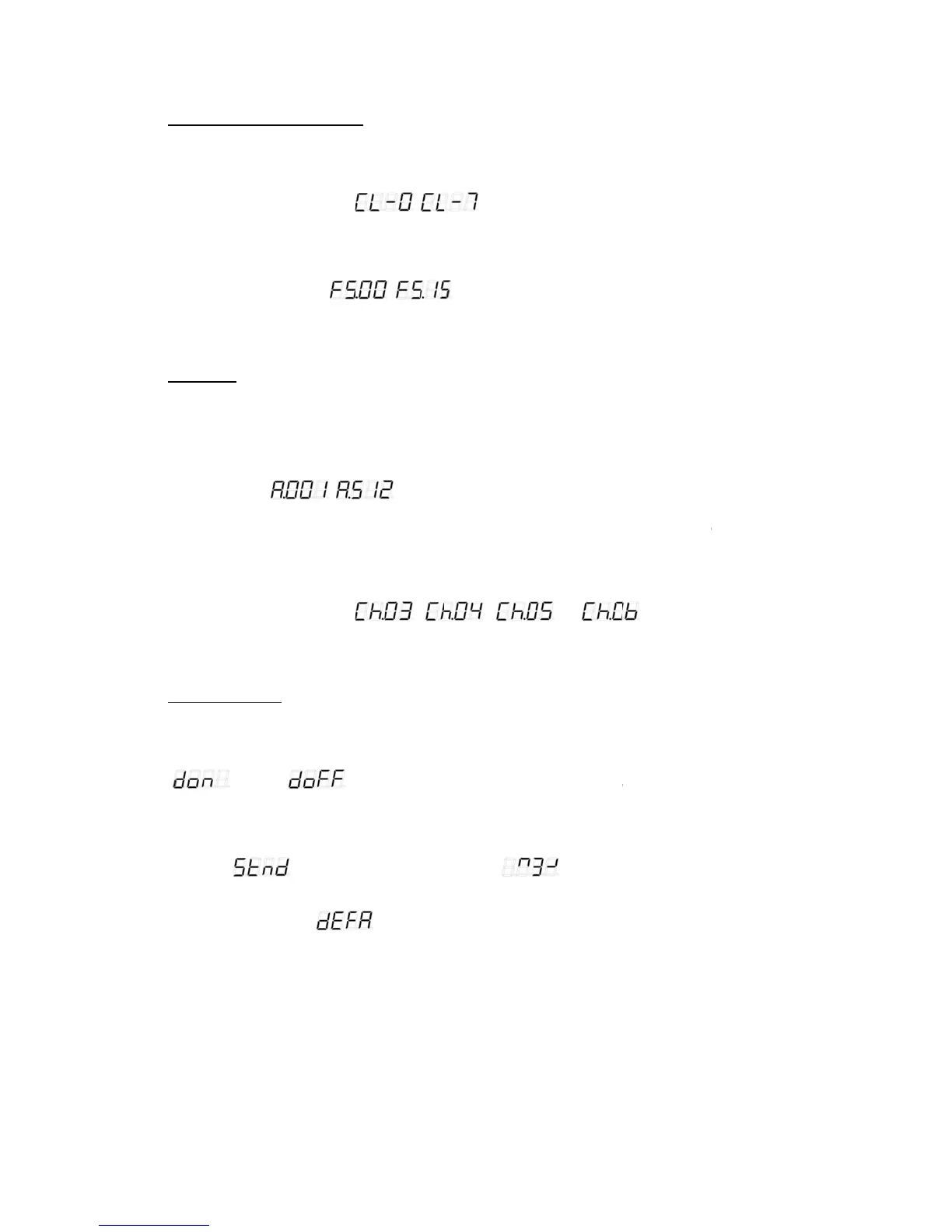
ATIC COLOU
R
r
ess MODE butt
o
)
Static colour s
e
r
ess SET UP bu
t
= Red, 2 = Gre
e
)
Flash speed s
e
r
ess SET UP bu
t
0
0-15, 00 is flash
M
X MODE
o
u can control t
h
)
DMX address
s
h
e control board
u
tton and select
t
most when it is
ost when it is in
i
ll flicker when t
h
)
DMX-PROTO
C
r
ess SET UP bu
t
e desired chann
T
HER FEATUR
E
)
Display off/on
s
r
ess SET UP bu
t
". Sel
e
)
Display norma
l
r
ess SET UP bu
t
n
d select “
)
Initialization sel
r
ess SET UP an
d
e
set the unit to th
R
SELECT MOD
o
n, and select th
e
lect
t
ton and select “
e
n, 3 = Blue, 4 =
e
lect
t
ton select “
off, 01 is the sl
o
h
e units individu
a
s
elect mode
allows you to a
s
~
in 3 channel D
M
5 channel DMX
h
ere is no control
C
OL
t
ton and select “
els (3,4,5,6).Th
e
E
S
s
elect mode
t
ton, and select
d
e
ct " "t
o
l
/inversion selec
t
t
ton, and select
d
". To have t
h
ect mode
d
select "
e factory default
E
e static colour s
e
~
Cyan, 5 = Yello
w
~
o
west flash spee
d
a
lly via your DM
X
s
sign the DMX a
d
”, then pr
e
M
X mode, 509pc
s
mode, 507pcs a
d
ler signal.
” “
e
re are four total
d
isplay off/on m
o
o
have the unit
a
t
mode
d
isplay normal/i
n
h
e display invert
e
", and the di
s
settings.
e
lect mode. The
r
", then pr
e
w
, 6 = Purple, 7
=
", then press
U
d
,15 is the faste
s
X
-controller.
d
dress which is
d
e
ss UP or DOW
N
s
address at mo
s
d
dress at most
w
” “
DMX modes.
o
de. To have the
a
utomatically sh
u
n
version mode.
T
e
d select "
s
play flickers. Pr
e
r
e are two mode
s
e
ss UP or DOW
N
=
White)
U
P or DOWN but
t
s
t flash speed.)
d
efined as the fi
r
N to set the DM
X
s
t when it is in 4
c
w
hen it is in 6 ch
a
” or “
display continu
o
u
t off display afte
T
o have the displ
".
e
ss UP button a
n
s
, press SET U
P
N
to select static
ton to select sta
t
r
st channel of th
e
X
address. You
c
channel DMX m
o
a
nnel DMX mod
e
”, then press
o
usly on press
U
e
r 60 seconds of
l
ay set to normal
n
d DOWN butto
n
P
to choose.
colour (0-7. 0 =
t
ic colour flash s
p
e
unit. Press MO
c
an set 510pcs
a
o
de, 508pcs ad
d
e
. The digital di
s
UP or DOWN t
o
U
P or DOWN an
d
inactivity.
, press UP or D
O
n
s simultaneousl
4
Black,
p
eed
DE
a
ddress
d
ress at
s
play
o
set
d
select
O
WN
y to

Related product manuals