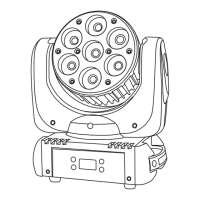
Need help?
Do you have a question about the Microh LED Slim P7 and is the answer not in the manual?
Configure DMX address, channel modes, and starting address.
Control individual colour intensity (Red, Green, Blue) and static colours.
Adjust flash speed for static colours and general fixture strobe effects.
Select and adjust sensitivity for sound-activated programs.
Configure auto-run modes like colour fade, colour change, and speed.
Control the LED display's on/off status and orientation.
Reset the unit to its original factory default settings.
Defines functions for Red, Green, and Blue dimming in a 3-channel setup.
Includes dimming, Red, Green, Blue, and strobe functions across 4 channels.
Expands to R, G, B, Dimming, and strobe control within 5 channels.
Offers comprehensive control including colour selection, strobe, and dimming.
 General
| Brand | Microh |
|---|---|
| Model | LED Slim P7 |
| Category | Flood Light |
| Language | English |


 To Next Page