15. Write the serial number of your instrument here:
ML600
Letters Numbers
© 2015 Hamilton Company. All rights reserved.
All trademarks are owned and/or registered by Hamilton Company in the U.S. and/or other countries.
Part Number 61492-01 Rev E
Hamilton Americas & Pacific Rim
Hamilton Company Inc.
4970 Energy Way
Reno, Nevada 89502 USA
Tel: +1-775-858-3000
Fax: +1-775-856-7259
sales@hamiltoncompany.com
Hamilton Europe, Asia, & Africa
Hamilton Bonaduz A.G.
Via Crusch 8
CH-7402 Bonaduz, Switzerland
Tel: +41-58-610-10-10
Fax: +41-58-610-00-10
contact@hamilton.ch
To find a representative in your area, please visit hamiltoncompany.com/contacts.
Web: www.hamiltoncompany.com
USA: 800-648-5950
Europe: +41-58-610-10-10
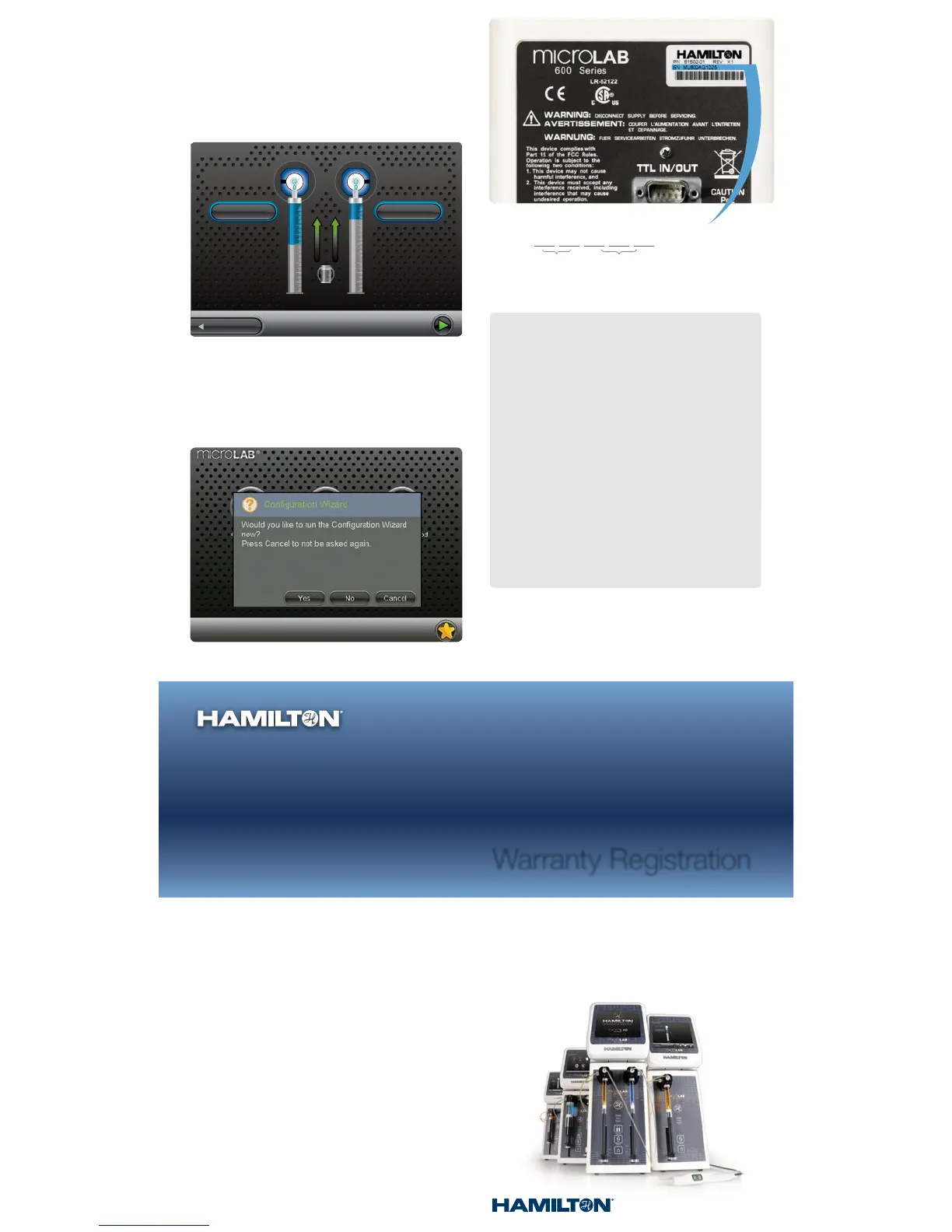
13. Basic Operation: The hardware is now setup and ready to
perform the desired application. For the Basic Setup, press
the Back button on the bottom left of the Configuration Screen
and then select the Quick Start button to begin dispensing.
Refer to Section 4.5 for a detailed description on how the
instrument will behave as a Single Syringe Dispenser,
Dual Syringe Diluter, Dual Syringe Dispenser or Continuous
Dispenser. To complete the Advanced setup proceed to
the next step, otherwise skip to Step 15.
Free Extended Warranty
Register to extend the warranty to 24 months
from the manufacture date.
Register at www.ham-info.com/microlab-register
14. Advanced Operation: Turn the pump off and install the Hardware
Key (SD card) and then power the instrument On. If desired, run
the Configuration Wizard to configure the hardware, password
protection and method logging settings. If these functions are
not desired, hit No or Cancel to not be asked again. To install the
optional printer, refer to the Quick Start Guide included with the
printer. Once the pump is configured, refer to the Advanced Manual
to determine which Wizard will accomplish the desired application.
16. Register your instrument at
www.ham-info.com/microlab-register
Technical Support
If a problem persists even after attempts to correct it, contact
Hamilton Company Technical Support or Service Department.
To expedite service, please have the instrument part number
and serial number ready and available. Please be able to
provide application specific information (syringe sizes, drive
speeds and liquids).
In the United States
and Canada:
Hamilton Company, Inc.
4970 Energy Way
Reno, Nevada 89502
USA
Customer Service
(888) 525-2123
Technical Support/Service
(800) 648-5950
Outside the U.S.
+1 (775) 858-3000
In Switzerland:
Hamilton Bonaduz A.G.
Via Crusch 8
Ch-7402 Bonaduz,
Switzerland
Customer Service
+41 58-610-10-10
Fax +41 58-610-00-10



 To Previous Page
 Loading...