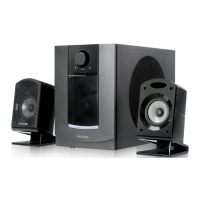
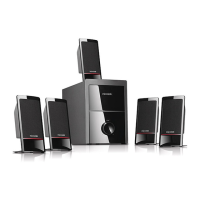
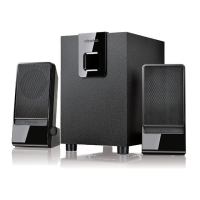
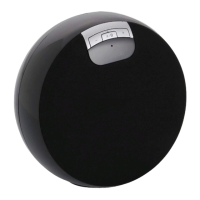
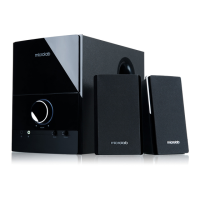
Amplifier
Speakers
Interfaces
Dimensions
Output power, RMS
Power distribution, Watt
Harmonic distortion
Frequency response
Signal/Noise ratio, dB
Separation, dB
Input sensitivity, mV
Nominal impedance, ohm
Tweeter driver type
Tweeter rated power
Bass driver type
Bass rated power
Frequency range
Output
Input
Auxilliary
DC power
AC power
Fuse
Others
Product dimensions mm
Product Net weight kg
Amplifier
Speakers
Interfaces
Dimensions
60 Watt
30 Watt x 2
< 0.3% 1W 1kHz
45Hz - 20kHz
> 65dB
> 40dB
340mV
8 ohm
1"
5.25"
40 Watt x 2
20Hz - 20kHz
Terminals
2RCA
2RCA
220V - 240V, 50Hz
T800mAL250V
Includes remote control
Amplifier: 90 x 315 x 252
Speakers: 185 x 215 x 290
11,95
EN
6
EN
5
Technical Information
Frequently Asked Questions (FAQ)
B. Remote control
1. Depress the power button in front of the amplifier to set the system to Standby mode.
2. Depress the ST-BY button on the remote control to activate the system
3. Depress the INPUT SEL button to select the source input between PC or AUX
4. Start the playback device and adjust the volume to your listening pleasure.
5. On the remote control, various volume levels can be adjusted.
6. Depress the Volume +/- buttons to adjust the master levels.
7. Depress the BALANCE R/L buttons to balance the right and left volume levels.
8. Depress the TREBLE +/- buttons to adjust the high frequency levels.
9. Depress the BASS +/- buttons to adjust the low and mid range frequencies.
10. Depress the 3D button, to activate or deactivate the surround effect.
11. Depress the MUTE button to turn off the audio output temporary.
Depress again to turn on or simply depress any volume buttons.
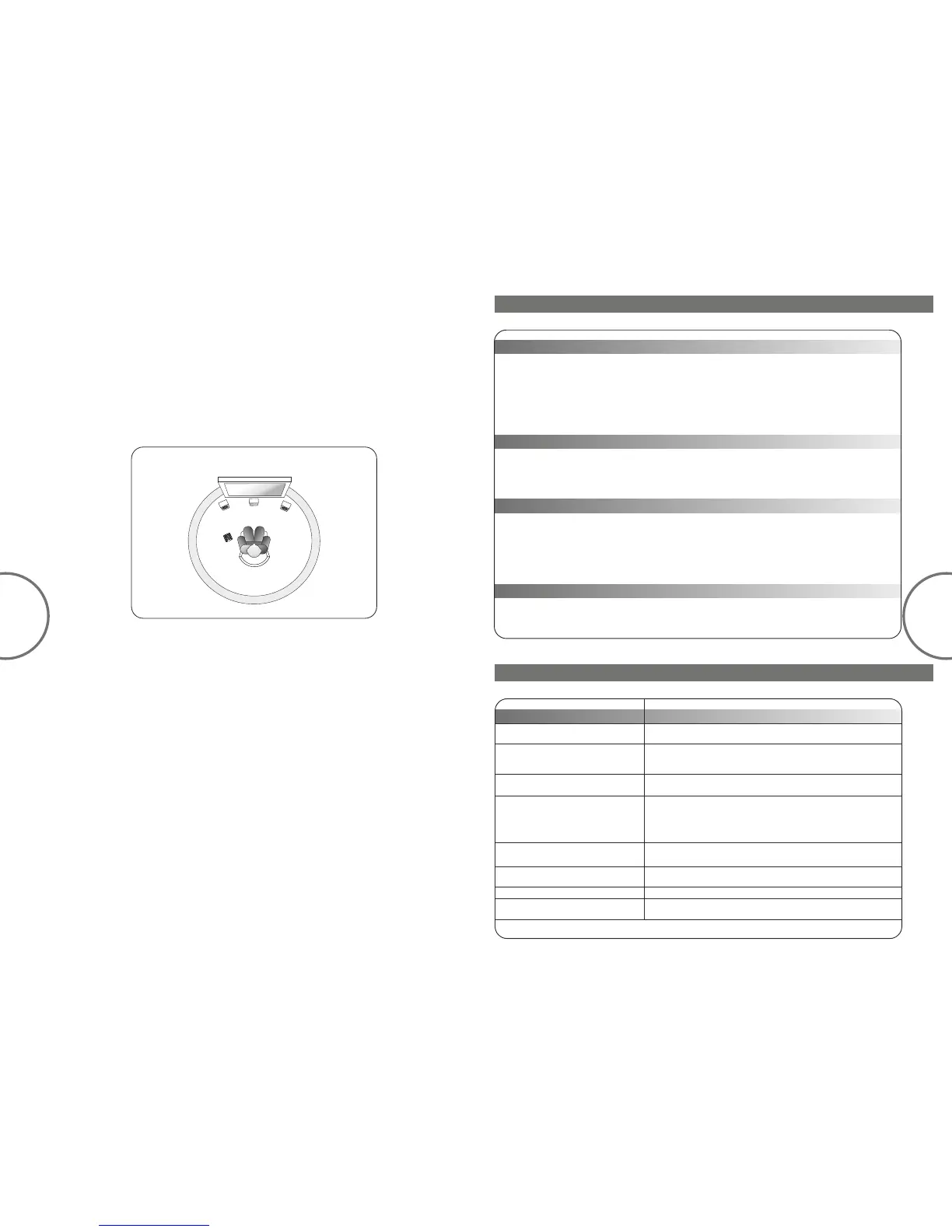
Ideal listening position and placement
FL -front left
FR -front right
A -amplifier
FL
FR
A
VOL+
VOL-
RESET
INPUT
TREB+
BASS+
BASS-
TREB-
VOL-
VOL+
RC
RC -remote control
If the problem still exists, please contact the distributor or ask for professional service
Power LED won't light up
No Sound
One or more satellite no sound
Static sound heard when volume
knob is turned
Check if the system is powered on
Check the power plug well connected
Check if the audio source is working well
Check if the audio and speaker cables well connected
Check if the volume at right level
Check if the satellite cable well connected, and ensure source
connection is correctly inserted
Turn off the playback source first, then turn the speaker
volume knob several times. Playback again and monitor. The
static noise is due to dust, so simply turning the volume will
remove it easily
Any playback devices such as PC, notebook, CD/DVD player,
Media Players with 3.5mm stereo plug
Check if the source file is not corrupted, play a different song
and test
Check if the battery in the remote control
It is magnetically shielded so can be placed near LCD TV
Monitor without any distortion
What are the products supported ?
Sound is distorted
Remote control not working
Where to place this speaker
Problem
Solutions


 To Next Page