TV
HDD
Media
Player
CD / DVD / VCD
Blu-ray players
Mp3 / Mp4
players
PC / Notebook
Tablet
Smartphone
VOLUME
INPUT SEL
19. Servicing - Do not attempt to service this product yourself, as opening or removing covers may expose you to
dangerous voltage or other hazards. Refer all servicing to qualified service personnel.
20. Please remove the power plug form the main power source or wall power source when not in use. When plugged in
to a power source, the system is in standby mode, so the power is not entirely cut off.
21. Replacement parts - When replacement parts are required, ensure the service technician has used replacement
parts specified by the manufacturer or have the same characteristics as the original part. Unauthorized substitutions
may result in fire, electric shock or other hazards.
22. Mains fuses - For continued protection against fire hazard, use fuses only of the correct type and rating. The correct
fuse specification for each voltage range is marked on the product.
23. Do not turn up the volume while listening to a section with very low level inputs or no audio signals. If you do, the
speaker may be damaged when a peak level section is suddenly played.
24. The only means of completely disconnecting the product from the power supply is by removing the power cord from
the wall outlet or the product. The wall outlet or the power cord entry to the product must remain freely accessible at
all times while the product is in use.
25. Try to install the product near a wall socket or extension cord and shall be easily accessible.
26. The highest environmental temperature suitable for this product is 40°C.
Packing list
You should find the following items while unpacking:
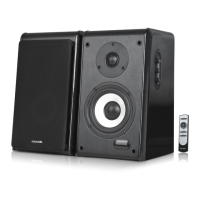
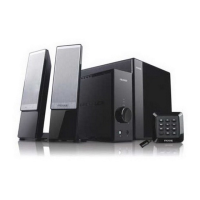
speakers 2 pcs
Remote control 1 pc
3.5 mm stereo - 2 RCA audio cable 1 pc
2RCA - 2RCA audio cable 1 pc
Optical SPDIF cable 1 pc
Coaxial cable 1 pc
Interconnect speaker cable 1 pc
User manual 1 pc
Illustrations
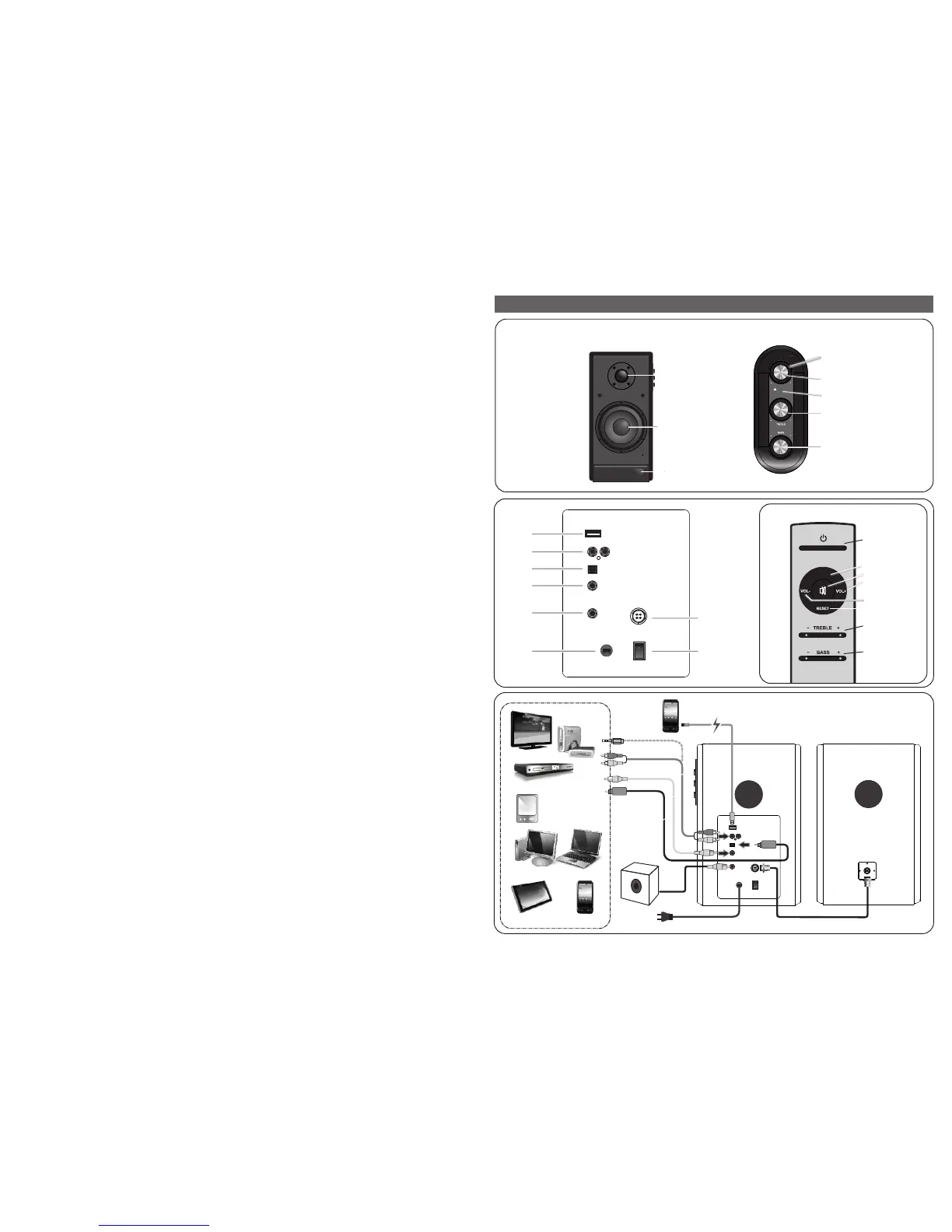
Master
volume
INPUT Select
INPUT LED
Treble level
Bass level
Infrared sensor
(Remote control)
Tweeter
Woofer
Main speaker (right)
Right
speaker
Left
speaker
Interconnect cable
To AC power supply
Side panel
Remote control
Rear panel
USB output
LFE
AC IN
AUX audio input
Optical input
Coaxial input
audio output to left
speaker
Power ON/OFF switch
INPUT
Standby
INPUT
MUTE
VOL +
VOL -
RESET
TREBLE
LEVEL
BASS LEVEL
ConnectionsConnectionsConnections
LFE
80-SOLO11-97-0001(US)-01 2017-11-21


 To Next Page
 Loading...