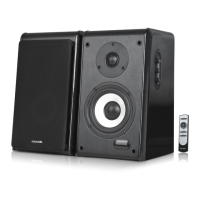
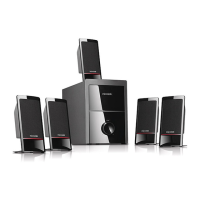
100 Watt RMS
20Watt x 2 + 30Watt x 2
< 0.5% 1 W 1 kHz
20 Hz - 20 kHz
> 80 dB
> 45 dB
1”
6 Ohm
5”
4 Ohm
Tweeter driver type
Tweeter impedance
Woofer driver type
Woofer impedance
Output power, RMS
Power distribution, Watt
Harmonic distortion
Frequency response
Signal/Noise ratio, dB
Separation, dB
Technical Specification
Amplifier
Speaker
Connections and Operations
Frequently Asked Questions (FAQs)
Questions Solutions
Power LED won't light up
No Sound
One or more satellite no sound
Static sound heard when
volume knob is turned
What are the products
supported?
Sound is distorted
If the problem still exists, please contact the distributor or seek professional advice.
Check if the system is powered on
Check the power plug is well connected
Check if the audio source is working well
Check if the audio and speaker cables well connected
Check if the volume is at right level
Check if the satellite cable well connected, and ensure source
connection is correctly inserted
Turn off the playback source first, then turn the speaker volume
knob several times. Playback again and monitor. The static noise
is due to dust, so simply turning the volume will remove it easily.
Any playback devices such as smartphone, tablet, PC, notebook,
CD/DVD player, media players with 3.5mm stereo plug.
Check if the source file is not corrupted, play a different song and
test. Ensure music file is of 192 kbps bitrate or higher.
+
LITHIUM BATTERY
CR 2025
3V
+
REMOTE
CONTROL
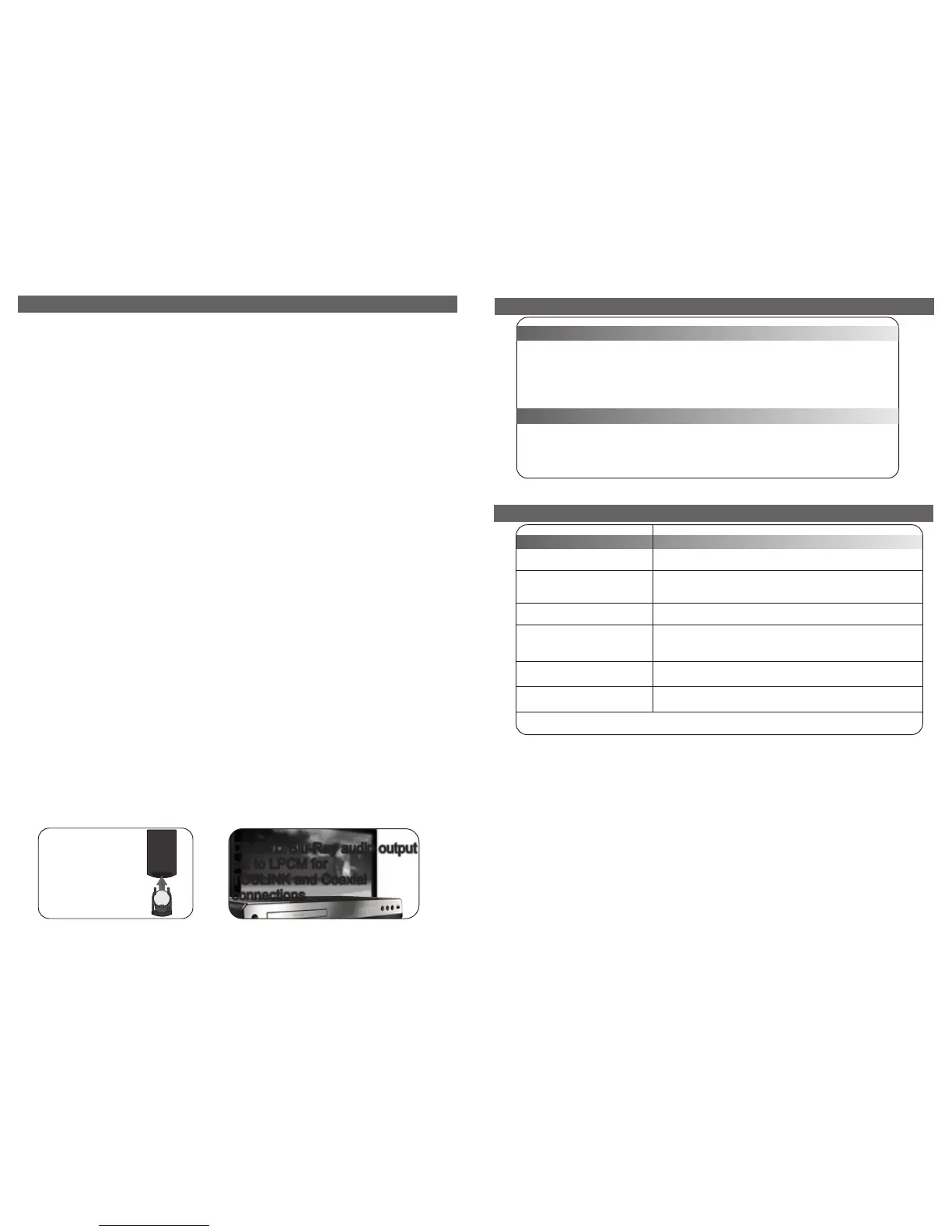
Battery installation
and
replacement
Type: CR 2025
1. Figure illustrates 3.5mm to 2RCA connection. Turn on the power switch on the rear panel, default to AUX mode
with “AU” showed on the LED screen. Connect the audio cable via “AUX” port and start the playback.
2. BT MODE: Under AUX mode, press volume knob to enter BT mode with a prompt tone and “bt” showed on LED
screen. Connect the Bluetooth enabled device to the speaker and start the playback. Under non-Bluetooth mode,
the device gets disconnected. After switching back to BT mode, the device will automatically get reconnected.
3. COAXIAL MODE: Under BT mode, press volume knob to enter COAXIAL mode with “CO” showed on LED screen.
Connect the coaxial cable via “COAXIAL” port and start the playback.
4. OP MODE: Under COAXIAL mode, press volume knob to enter “OP” mode with “OP” showed on LED screen.
Connect the optical cable via “OPTICAL” port and start the playback.
5. LFE OUT: Output interface for low frequency without amplifier function, it should be used with powered subwoofer.
6. VOLUME CONTROL: Located on right side of main speaker. Go clockwise to increase the volume and
anticlockwise to decrease the volume. Digit on LED screen is in sync with volume adjustment, max at “60” and min
at “0”.
7. TREBLE ADJUSTMENT: Located below the volume knob. Go clockwise to increase the treble and anticlockwise to
decrease the treble. Digit on LED screen is in sync with volume adjustment, max at “06” and min at “-6”.
8. BASS ADJUSTMENT: Located below the treble knob. Go clockwise to increase the bass and anticlockwise to
decrease the bass. Digit on LED screen is in sync with volume adjustment, max at “06” and min at “-6”.
9. AUTO STANDBY MODE: Under Bluetooth mode or AUX mode, it automatically enters standby mode showing “--”
on LED screen while no signals are received for 15 min. Then the Bluetooth enabled device gets disconnected.
Once you press or rotate the “VOLUME”/”TREBLE”/”BASS” knob, re-enter the previous work mode before you
enter standby mode. If that's Bluetooth mode, the speaker will automatically reconnect to the previous connected
device. If the device is not found in 15 seconds, it turns into manual connection mode. In this way, you can connect
to other Bluetooth enabled devices.
10. BLUETOOTH DISCONNECTION OPERATION: Under Bluetooth mode, long press VOLUME knob 5s to manually
disconnect the Bluetooth enabled device. If you want to reconnect this device, it requires repairing to get
connected.
11. Bluetooth Wakeup(Under any mode): While standby, using Bluetooth enabled device to search and connect the
speaker, then it's reactivated and directly enter Bluetooth mode.
Remote controller operation
1. Standby: Press Standby in any conditions, it enters standby mode with “--” showing on LED screen. Press
once more to re-enter working mode.
2. INPUT: Input mode select.
3. VOL-: Volume down
4. VOL+: Volume up
5. MUTE: Press to enter MUTE mode, LED screen blinks with the volume amount.
6. RESET: Reset to ex-factory setting, back to “OP” mode, “30” at Volume, “00” at Treble, “00” at Bass.
7. -Treble+: Treble adjustment
8. -Bass+: Bass adjustment
80-SOLO11-97-0001(US)-01 2017-11-21


 To Next Page
 Loading...