Notes
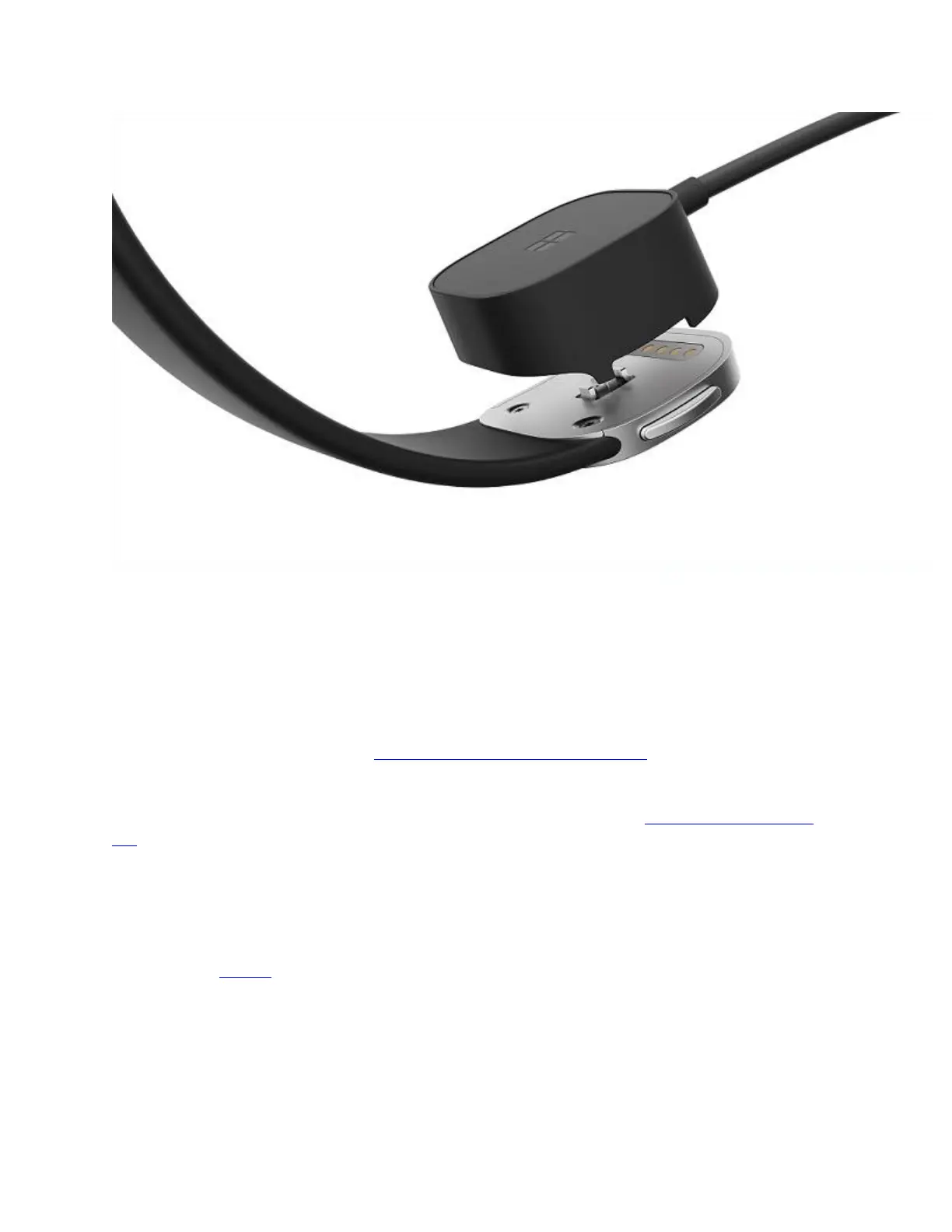
The first time you use your Band, you’ll need to charge the battery fully. It can take about two
hours to fully charge.
Powered USB ports include those on your computer and those on USB hubs or adapters that
connect to a power source. Most USB hubs don’t supply power and won’t charge your Band.
Make sure the charging port on your Band and the magnetic charging connector on the USB
charging cable are clean and dry. You can wipe off sweat, dust, or grime with a clean, dry, lint-
free cloth. For more info, see Clean and care for your Microsoft Band.
A full charge can last up to 48 hours but can vary significantly depending on your settings,
usage, and other factors. For tips on making the battery last longer, see Tips for longer battery
life.
Check the battery status
To see how much battery power remains on your Band:
On the Me Tile, drag right to see the battery status.


 To Next Page