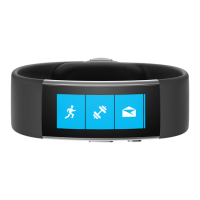
To view your biometric activity:
1. From the Start Strip, tap the
ME Tile.
2. Swipe right to view biometric
data screens.
3. Press the Action Button to change
how the ME Tile looks.
To track your exercise:
1. From the Start Strip, tap the
Run Tile or Workout Tile.
2. Press the Action Button to start
your run or workout.
3. Double-press the Action Button
to cycle data views.
4. To end your run or workout,
press the Action Button, then
tap End.
Quick Tips
To track your sleep:
1. From the start strip, tap the
Sleep Tile.
2. Press the Action Button to start
your sleep session.
3. Press the Action Button again
to pause/resume/stop.
4. To end your sleep, press the
Action Button, then End.


 To Next Page