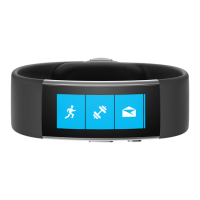
To turn your band on:
1. Press and hold the Power
Button.
2. If your band was previously off,
a vibration alert indicates your
band is starting up.
3. After the display illuminates,
use the touch screen to interact
with your band.
Using the touchscreen:
1. Tap on an item to select it.
2. Swipe horizontally to scroll
through lists.
Microsoft Band Controls
To turn your band off:
1. Press and hold the Power
Button.
2. Tap the Yes button to the
right. Your band will vibrate to
indicate shutdown.
To turn your band’s display on
or off:
1. Press the Power Button.
X195899102QSG.indd 8 10/16/2014 10:56:55 PM



 To Next Page