10
english
TROUBLESHOOTING
If you encounter problems, try the possible
solutions provided below.
Sensor Doesn’t Work
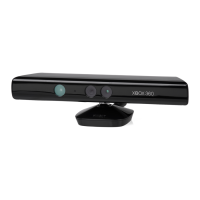
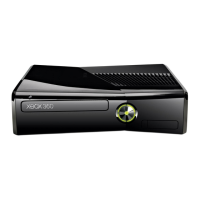
used with an original Xbox 360 console,
make sure the sensor is connected to the
back USB port, and the USB/power cable
is plugged in. The light on the front of the
sensor will light up when the sensor is on.
ventilated area.
insert the sensor software disc for a
system update.
Sensor Doesn’t See Player
shining directly on the sensor.
contrasts with the background of your
play space.
viewing angle.
Sensor Loses Player
Try leaving and reentering the play space if
the sensor has stopped tracking you.
Sensor Doesn’t Hear Player
vibration, TV speakers, or other audio
sources.
microphone array.
Sensor Motors Don’t Adjust Sensor
Viewing Angle
sensor light is on. When used with an
original Xbox 360 console, the sensor
must be connected to the back USB port,
not a front USB port, and the USB/power
cable must be connected to a power
outlet.
blocked by anything.
the sensor viewing angle by hand. Let the
sensor motors adjust the viewing angle
automatically, or you risk damaging your
sensor.













 To Next Page