24 Microsoft Broadband Networking Wireless Base Station User’s Guide
6. Disconnect the Ethernet cable from the base station port, and reconnect it to your
existing base station, router, or gateway.
7. Connect one end of the blue Ethernet cable that came with your base station to one
of the ports of your existing base station, router, or gateway. Connect the other end
to one of the ports of the base station you set to access point mode.
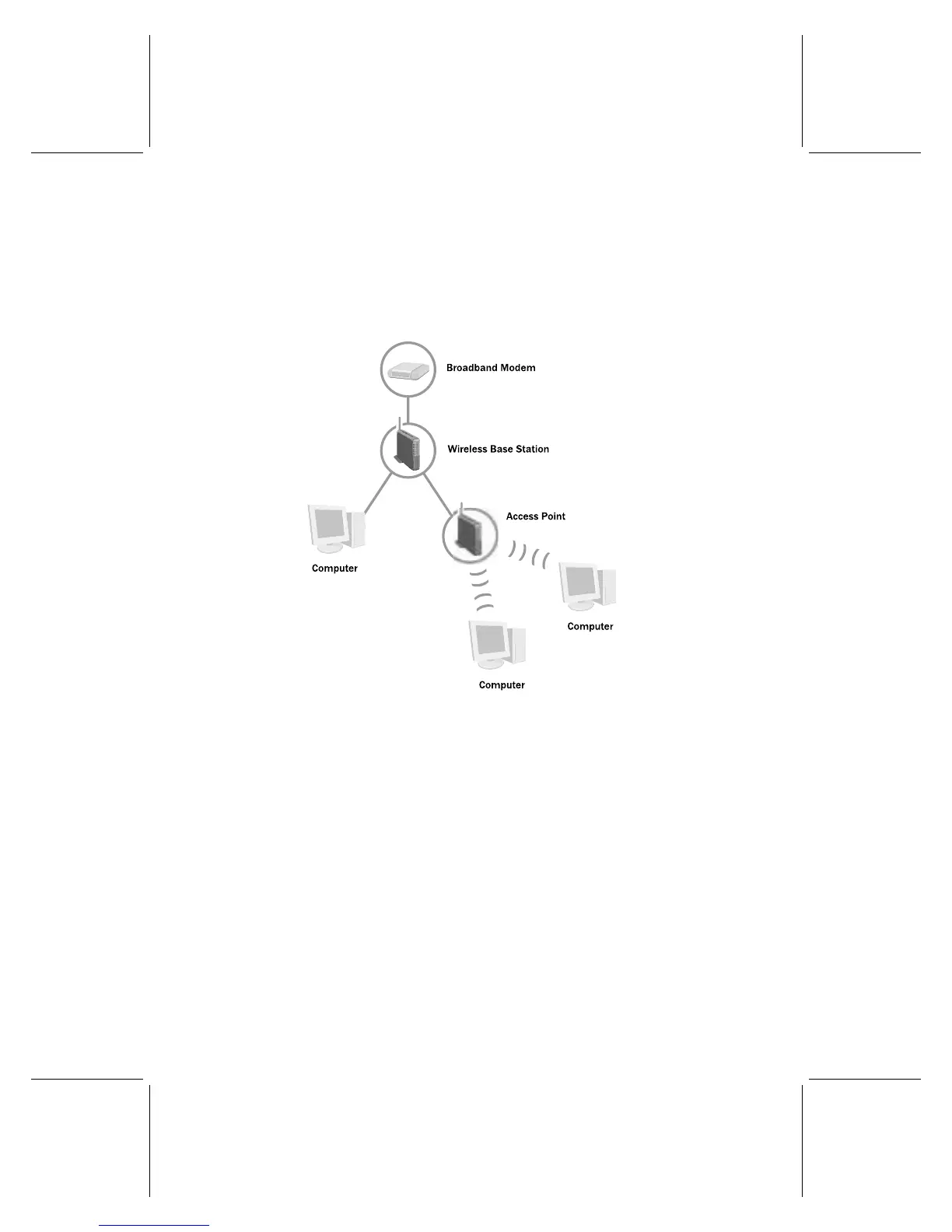
Your network should now resemble the following illustration:
8. Turn on the base station.


 To Next Page
 Loading...