Quick start: Surface Book
Put the pen to work for you
Draw, take notes, do math, and more. Portrait or landscape, lap or tabletop.
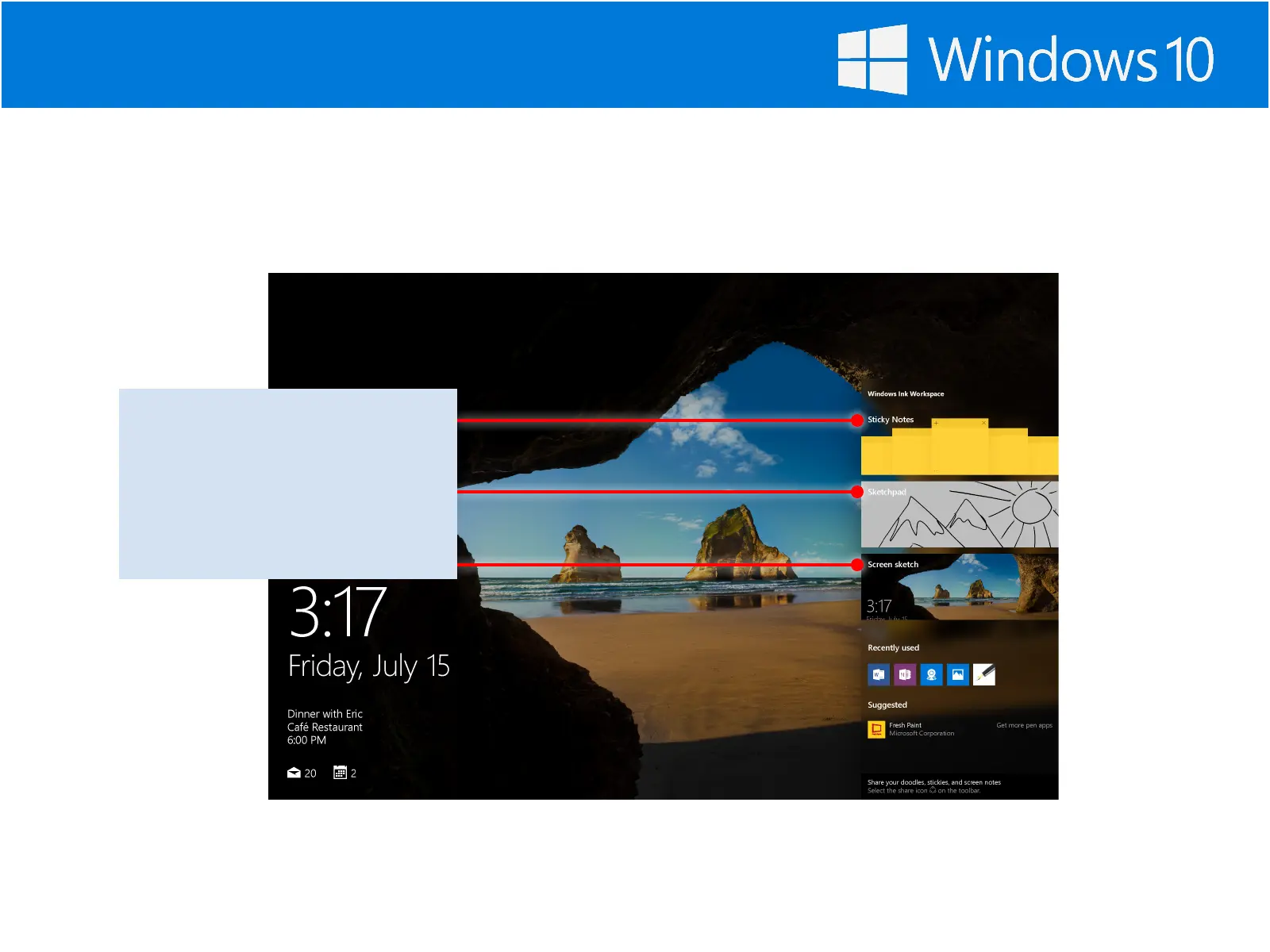
Select the Pen icon
This opens the Windows Ink
Workspace, where you can
create Sticky Notes, sketch on a
blank screen, or jot notes on a
photo or webpage.











 To Next Page