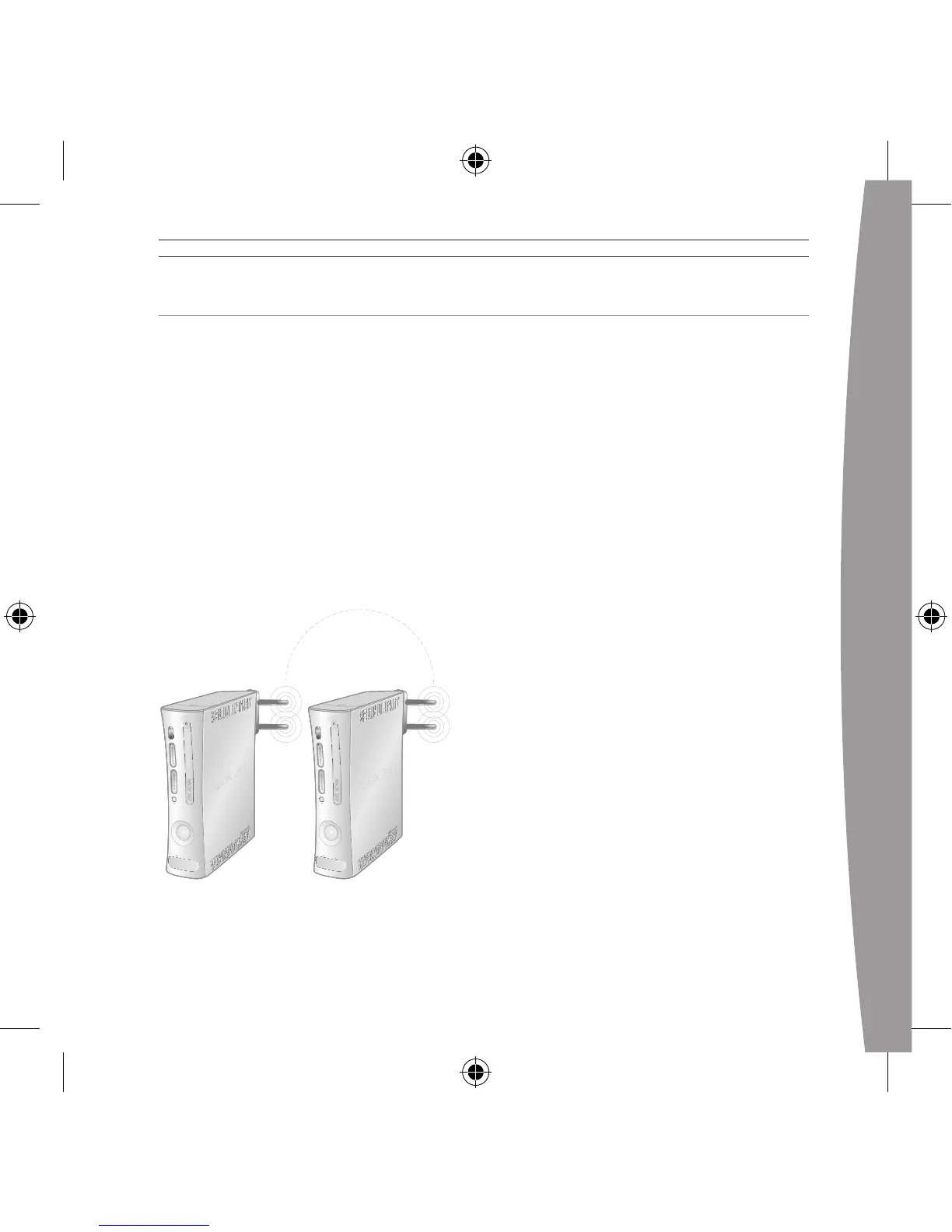
CONNECT YOUR CONSOLE TO ANOTHER CONSOLE
Console-to-console system link
wireless networks are also known as
ad-hoc networks. In ad-hoc networks,
a wireless adapter on one device
connects directly to a wireless
adapter on another device. An
Internet connection isn’t shared with
this type of network, and the
console-to-console system link
connection is typically temporary.
For console-to-console system link
play, you need:
• TwoXbox360consoles.
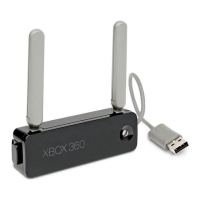
• TwoXbox360Wireless
Networking Adapters.
• AnXbox360gamethatsupports
system link play.
To wirelessly connect your console
to another console:
1 Attach a wireless networking
adapter to the back of each
console (see “Attach the Adapter
toYourConsole”).
2 Eachconsolewillrecognizeits
adapter and lead you through
networkconguration.Youwillbe
asked to enter network settings
on each console. (They will be the
same for each console.)
Once you’ve completed network
congurationonbothconsoles,they
should be wirelessly connected to
each other.


 To Next Page