WARNING
Before using this product, read
this manual and the Xbox 360
console instructions for
important safety and health
information. Keep all manuals
for future reference. For
replacement manuals, go to
www.xbox.com/supportorcall
Xbox Customer Support (see “If
YouNeedMoreHelp”).
The limited warranty covering this
product is contained in the Xbox 360
console instructions and is available
onlineatwww.xbox.com/support.
This product is for use with NRTL-
Listed(UL,CSA,ETL,etc.),and/or
IEC/EN60950compliant(CEmarked)
Information Technology equipment.
No serviceable parts included.
INSTALL THE DRIVER
Insert the included Wireless Networking
Adapter disc into your console. Then
follow the instructions for setting up
your console to work with your wireless
networking adapter.
ATTACH THE ADAPTER TO
YOUR CONSOLE
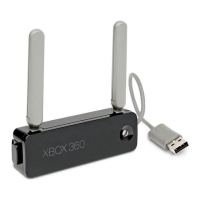
Your wireless networking adapter
attaches directly to the back of your
console.
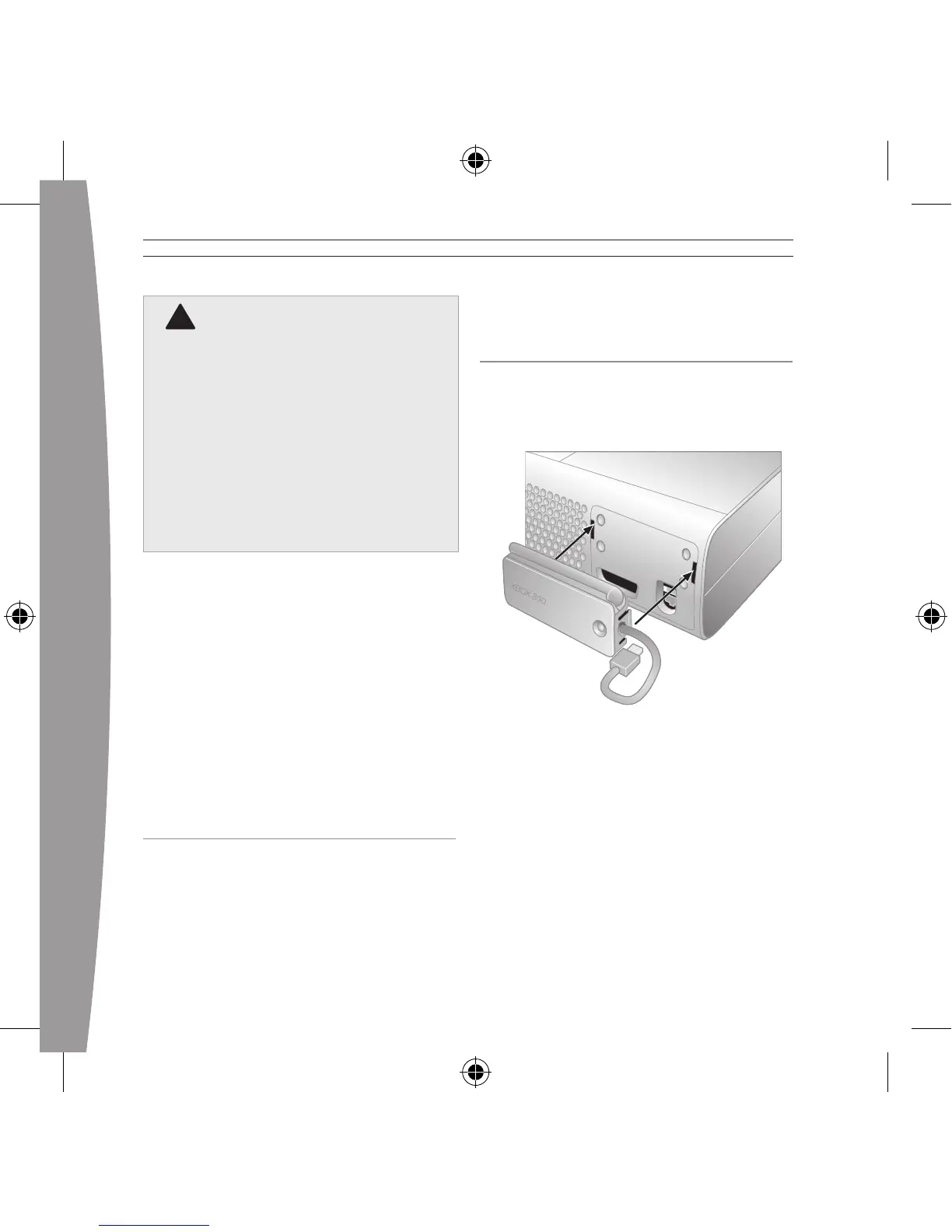
To attach your adapter:
1 Press the tabs on the adapter
into the two slots on the back of
the console.
2 Plug the USB connector into the
USB port next to the adapter.
Disconnect any cable plugged in
to the Ethernet port.
3 Flip up both antennas.


 To Next Page